
🔥#ChatGPT4o is insane, you can create small interactive HTML5 games in just a few minutes with no coding knowledge. 🔥 Follow these thread, and I'll show you the entire workflow I set up.
Image AIs struggle a lot with creating coherent walking or running sprites. So, to save time, I went to #Envato and downloaded this vector file.
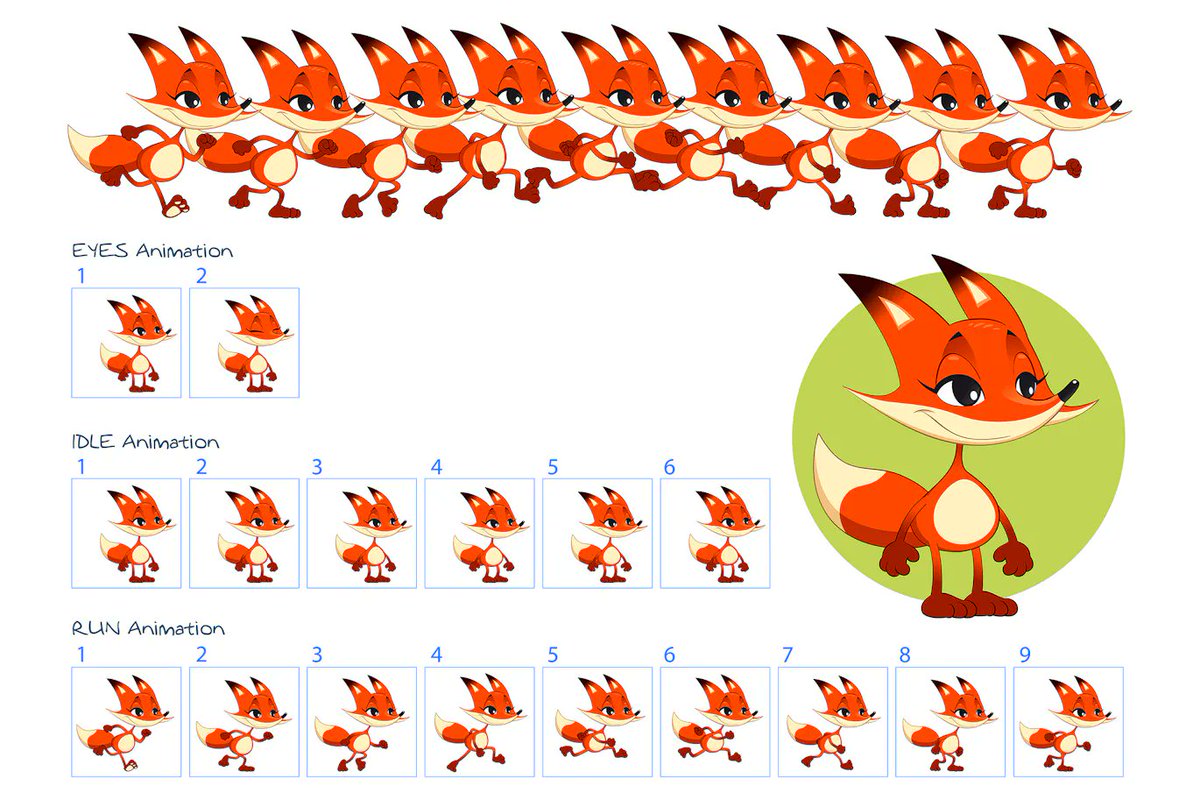
Next, I had to prepare the sprites and export them optimally. To do this quickly and perform multiple exports in the right formats, I made a quick pass through #Illustrator.
Now, let's move on to generating the game background. A quick trip to #Midjourney with this prompt, and it was all set. Game asset, 2d Cartoon Style background game scene, forest, forest element, flat, vector
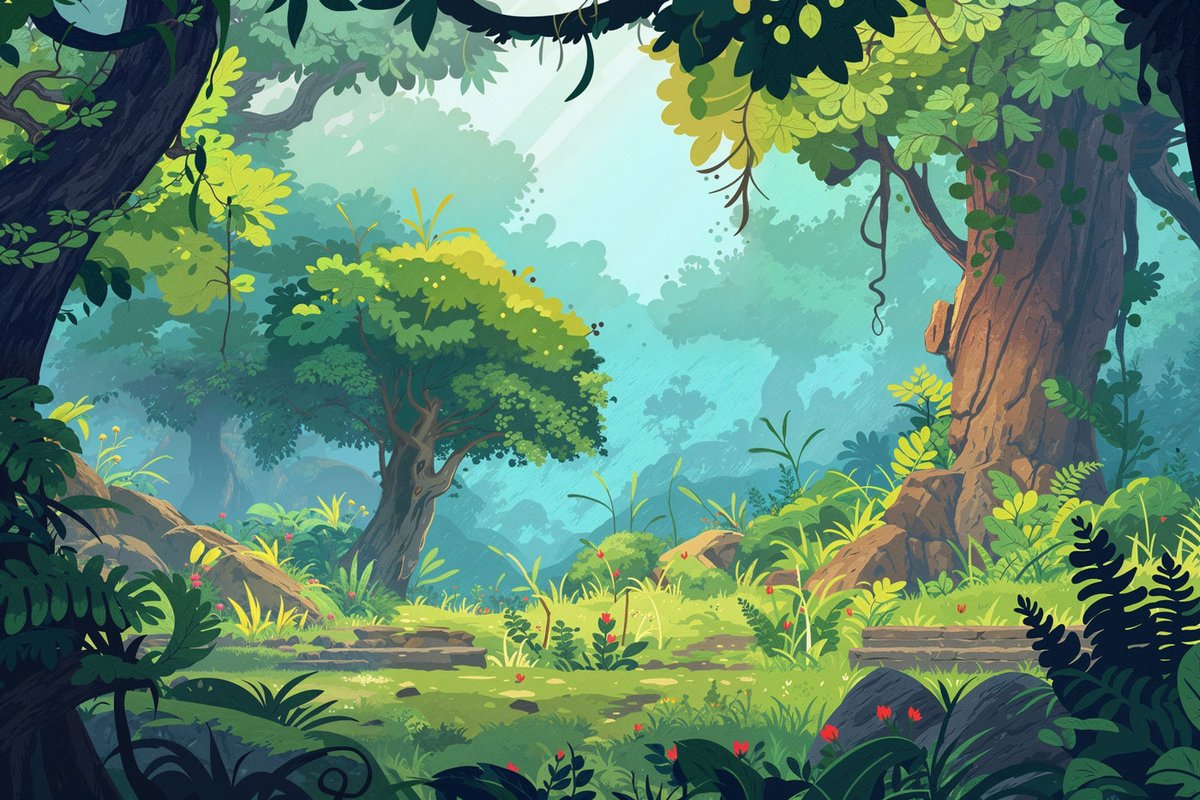
To add more depth, I cut out the foreground elements in #Photoshop.
Then comes the moment where I give #ChatGPT all the detailed instructions of what I want and the media I have already prepared. You just need to take the codes and paste them. For this, I used the #BBedit code utility.
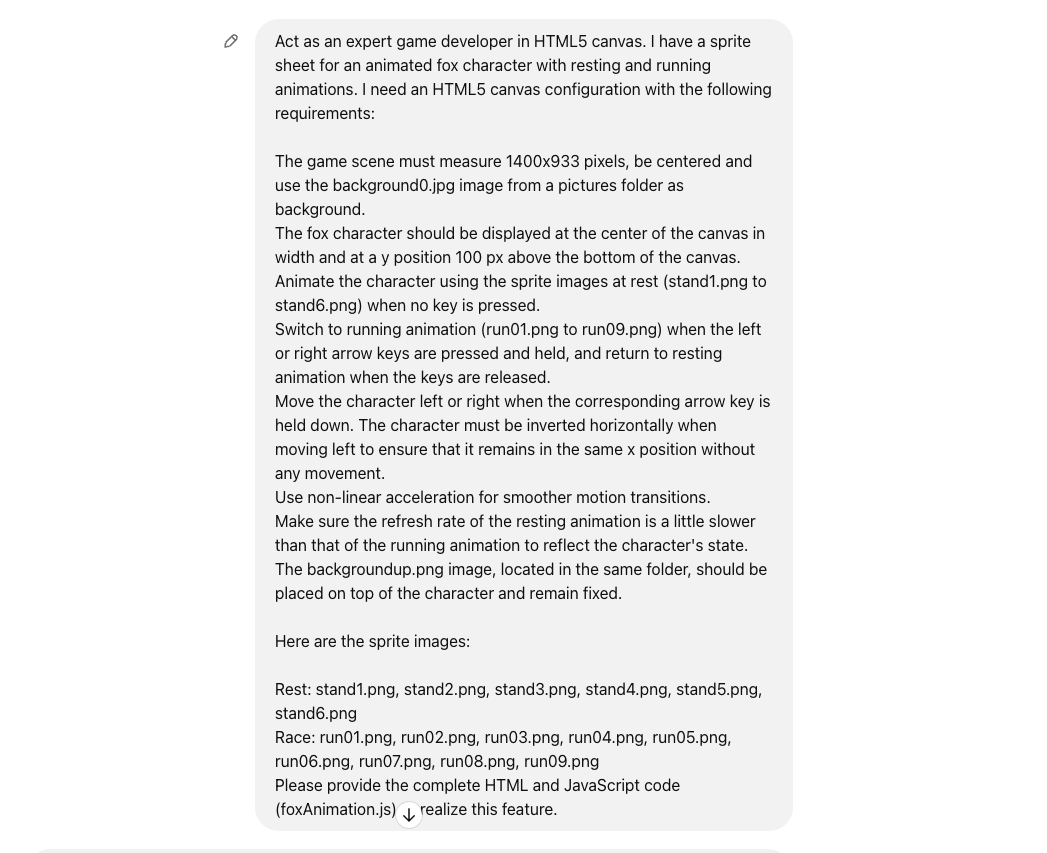
And there you have it, just open the HTML page and enjoy your little HTML5 Canvas game. Imagine all the possibilities we can achieve by spending more time.
I hope you enjoyed this thread. If you did, share it widely and follow @CharaspowerAI for more content on AI, tech, and design.
@CharaspowerAI I appreciate all the effort you put in sharing information about different AI tools 👏 I can tell you put a lot of time into it.
@Artedeingenio Thanks Oscar, that makes me very happy. It's true that a large majority of the general public thinks that everything is done in a few seconds with AI.🙏🙏🙏
@CharaspowerAI Love this workflow detail🔥
@HBCoop_ Thanks a lot Heather
@CharaspowerAI Awesome
@techhalla Thanks
@CharaspowerAI @CoffeeVectors That's awesome! 💥
@Iamtomblake @CoffeeVectors Thanks Tom
@CharaspowerAI This is so cool
@CharaspowerAI This is a great workflow. Thanks so much for sharing! I'm excited to give this a try.
@RichKleinAI With pleasure !
@CharaspowerAI This is amazing. Thank for sharing.
@CharaspowerAI Amazing workflow .. the people think this workflows and thinking of the ideas is easy Thanks mate for your efforts 🤩👏👏
@CharaspowerAI This is so misleading... You used other designer files, photoshop, illustrator, midjourney and so on... It has nothing to do with got4o beside code.
@CharaspowerAI For mobile games, here's my workflow. Ask ChatGPT for a HTML/JS game. Go to http://tharzen.com/html.html and paste the code there. Click "Load html". If errors, refresh, copy the error, provide it back to ChatGPT, repeat. I made "Guess the animal" in minutes: https://pastebin.com/7RsK7UD0
@CharaspowerAI Thank you so much for your sharing… Awesome🥳🥳🥳
@YDchodron Thanks !
@CharaspowerAI @readwise save thread
@CharaspowerAI Amazing stuff! Thanks for that!
@CharaspowerAI Legend!!
@CharaspowerAI Woah! Any chance you can share a link to it online?
@PoeHaH If I have time in the summer I may continue it with the possibility of jumping and advancing in the level.
@CharaspowerAI Very cool, but nothing particularly groundbreaking. CchatGPT should be advanced enough to generate the model and its animations without a template. It might take a few prompts but from my work with it I don’t see why it wouldn’t. Great little demo!
@CharaspowerAI That is amazing. Thank you for sharing this!
@CharaspowerAI Thanks for sharing!!
@CharaspowerAI Very cool content! I've made a few similar game concepts with GPT as a coding assistant and built various tools for blender etc with zero coding experience.
@CharaspowerAI Love this!
@CharaspowerAI Your game is total shit
@CharaspowerAI This looks great! Are you planning to prepare more examples or continue with this one? For example, make the fox jump?