
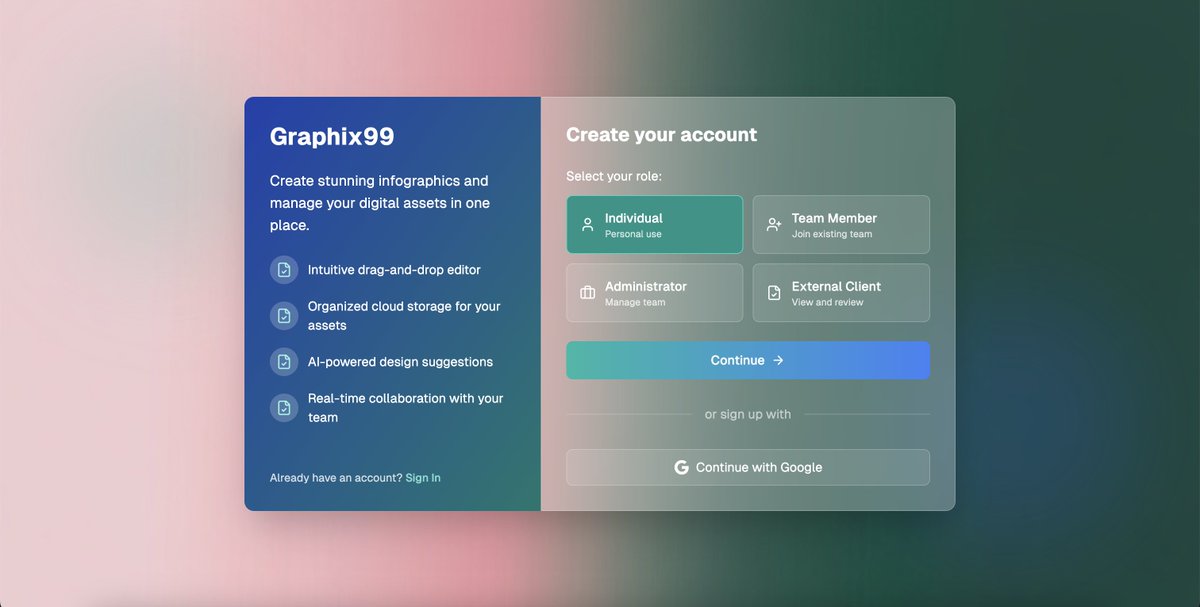
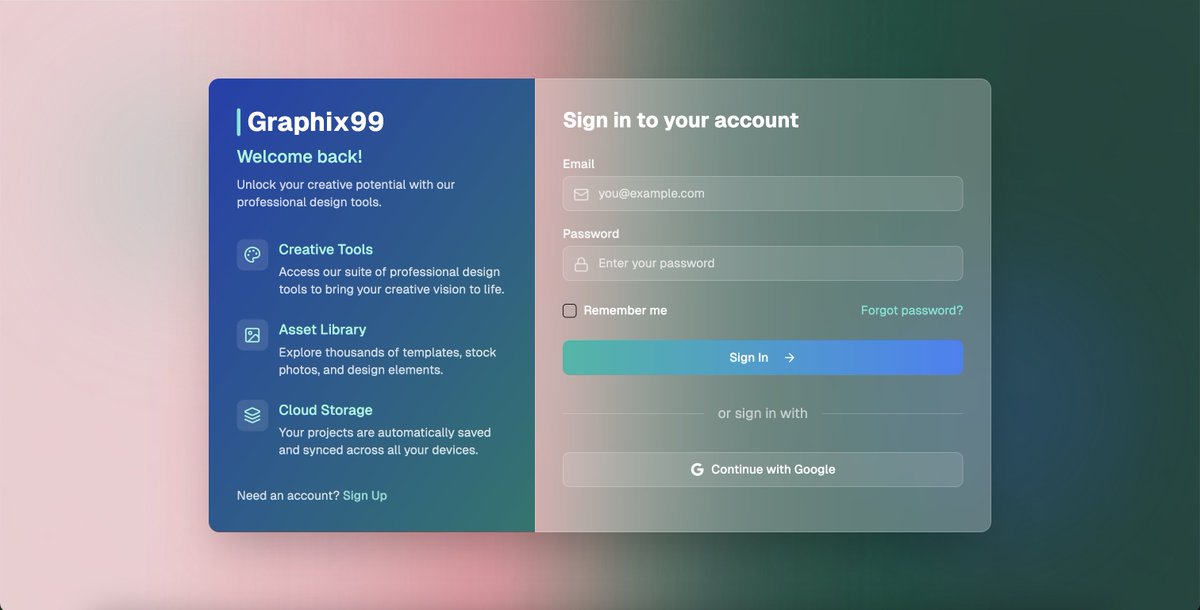
I am not a UI designer. But with CodeGuide + Claude + v0 I've cracked the UI design workflow. This design is purely coded with AI in 13 minutes. Let me explain my NEW UI design workflow: ↓

First of all If you haven't read my last post on this topic, Please read that so you can understand the basics: ↓ https://x.com/cj_zZZz/status/1...
Check out the style consistency in both screens. This is possible when you attach your {coding docs} to the Claude web app.
For creating coding docs, I use @CodeGuidedev and for UI design I need 2 docs: 1. Project Requirements Document (PRD) 2. Frontend Guidelines Here're the docs I generated with CodeGuide for this project. These docs are important to maintain style consistency and context about the project.
So after you download the docs from CodeGuide you need to go to Claude·ai and create a new project from left sidebar. Then you need to name your project and attach the 2 docs to the project library.
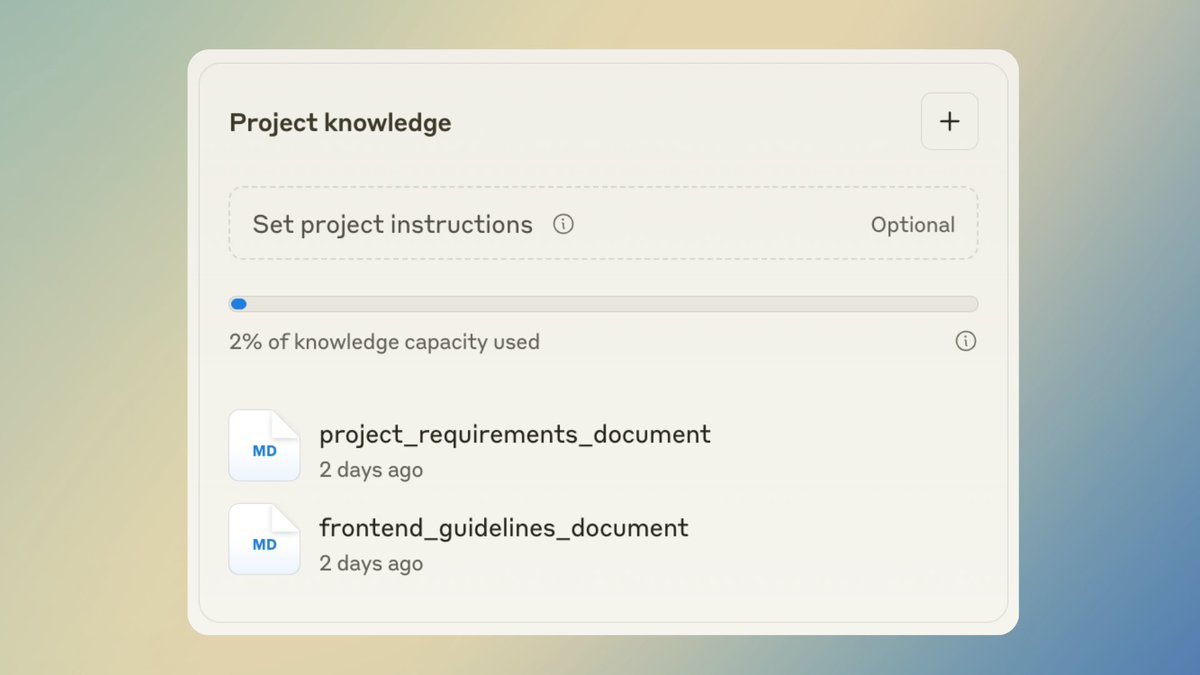
Once that's done you can start with this prompt: "Follow the 2 docs attached carefully and accuracy and start coding individual components for this app. Start with (X) page." In X you can say Sign up page, sign in page, etc. Use Claude as your main UI coder.
Once you get your first page done. Go to v0 And just prompt this: "run this code: (paste the code copied from claude)" And v0 is amazing at loading Claude generated code then you can attach the background image Tip: refine any particular section through this editor icon.
Once you get your first page ready to go in v0. copy the code of v0 generated code, (we'll use this as a styling reference in Claude for rest of the pages) Now ask Claude to code the next page and add this prompt: "I am attaching the code of X page ONLy for styling reference. Please follow that: (paste the v0 code here)" This will help Claude to code next pages in same style as the first final page.
Follow this routine for all the pages in your app and within 1-2 hours you'll have beautiful UI components ready for your next project. If you like this tutorial share that and I'll be recording a video tutorial over the weekend covering this complete UI design workflow.
Now let me share my new findings: 1. Coding docs are must to maintain code and style consitency. 2. Only use Claude Sonnet 3.7 thinking model for UI design in Claude·ai web app. 3. Do major style refinements in Claude. It is fast and and follow the guidelines better. 4. Use v0 to run code, and make precise UI changes.