
I had 51,236 unread emails. Instead of crying I used AI to figure out: – Who sends me the most noise – What I always open – And what to finally unsubscribe from Here’s the workflow I used:
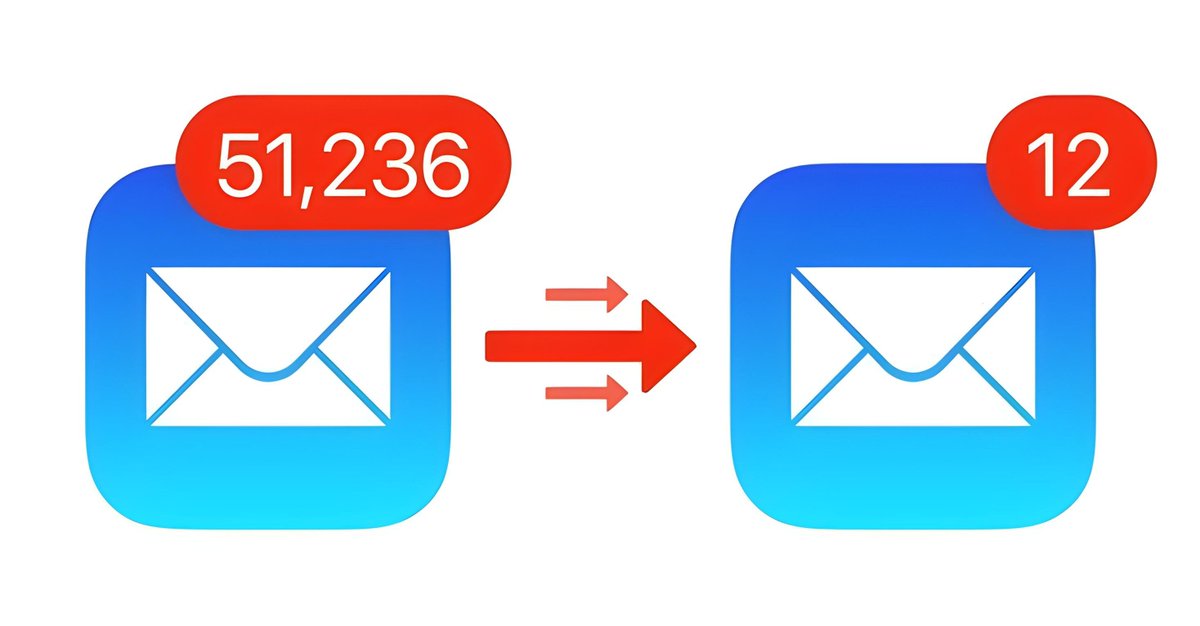
Step 1: Export your inbox metadata - Gmail lets you export email data via Google Takeout. - You’ll get email subject lines, timestamps, sender names, and more.
Note: I am using sample data to show you how it works. Step 2: Upload to http://Julius.ai Now use its workflow builder to identify: → Group senders → Count frequency → Analyze open vs. ignored emails → Detect patterns
Step 3: Summarize insights Ask Julius: – Who sends the most emails? – Which subject lines I never open? – What categories eat up my inbox? → Get detailed answers
Step 4: Take action → Unsubscribe from noise → Create Gmail filters based on real data → Flag VIP senders to never miss again Inbox clarity = peace of mind
Don’t guess your way through email hell. Let Julius workflows clean it up with real data. Try it here: http://julius.ai/

@mhdfaran Julius AI is incredible man.. Great work from @0interestrates 🔥
@ai_for_success @0interestrates But I created that workflow 😂
@mhdfaran Great share 🫡
@hasantoxr Thank you
@mhdfaran ohh damn me reading this while ignoring 3.2k unread in my promo tab
@nrqa__ Haha, we’ve all been there
@mhdfaran Bro, I get dizzy just thinking about those unread emails 😂. Great tool Julius
@MiguelMaestroIA Haha, I hear you Glad Julius helps
@mhdfaran thanks for this simple breakdown.
@sharyph_ You're welcome
@mhdfaran Heard good reviews of Julius AI
@CodeByPoonam It’s been a real help
@mhdfaran Time to finally clear out my inbox
@MeeraAIIT Hope it feels refreshing
@mhdfaran Excelent tool. Julius works amazing!!
@Fran_actua Thanks! Glad you’re enjoying it
@mhdfaran I need this for X 😅
@sairahul1 You can do as well for 𝕏
@mhdfaran I will try it Thanks for sharing
@sabir_huss50540 You're welcome
@mhdfaran This is next-level email management! AI turning chaos into clarity.
@FellMentKE Exactly
@mhdfaran Finally, a smart way to silence the email chaos.
@TawohAwa Glad you found it helpful
@mhdfaran Definitely stealing this workflow
@AIwithArsalan Hope it serves you well
@mhdfaran That’s impressive!
@samuraipreneur Glad you think so
@mhdfaran Thanks for this guide Farhan
@Parul_Gautam7 You're welcome