
Mega thread 🧵🪡 Here is the exact tech stack I use for my online course including costs, UI screenshots, automated 30-day follow-up emails & more. It’s not a step-by-step tutorial, but I hope it inspires your own (fun!) custom build :) 👇

Firstly, context: User Journey Experience From first visit, to payment, to setting a password, to watching their first chapter video. These are all broken down in the screenshots below. 1. User visits http://ShowThem.com - the @Webflow-built and hosted course website:

2. They click the big pink button and unlock access to the course using the @lmsqueezy payment provider. 🎟️ Note the applied launch coupon to the checkout:

3. Upon payment, the success message says they are almost there - there are two emails: A receipt and another to set up account. 🛟Note that my email is provided for support. I've refined this message a dozen times. Right now, we're at a sweet spot of minimal support:

4. An email receipt is sent from Lemon Squeezy and a second email is sent from our authenticator platform @Outseta, asking them to create a course account. 🪪Note how it reuses the first name (Robert) from the payment step, into the greeting:

5. The user clicks the Confirm your account button and is taken to an Outseta-hosted website page to set a strong password:

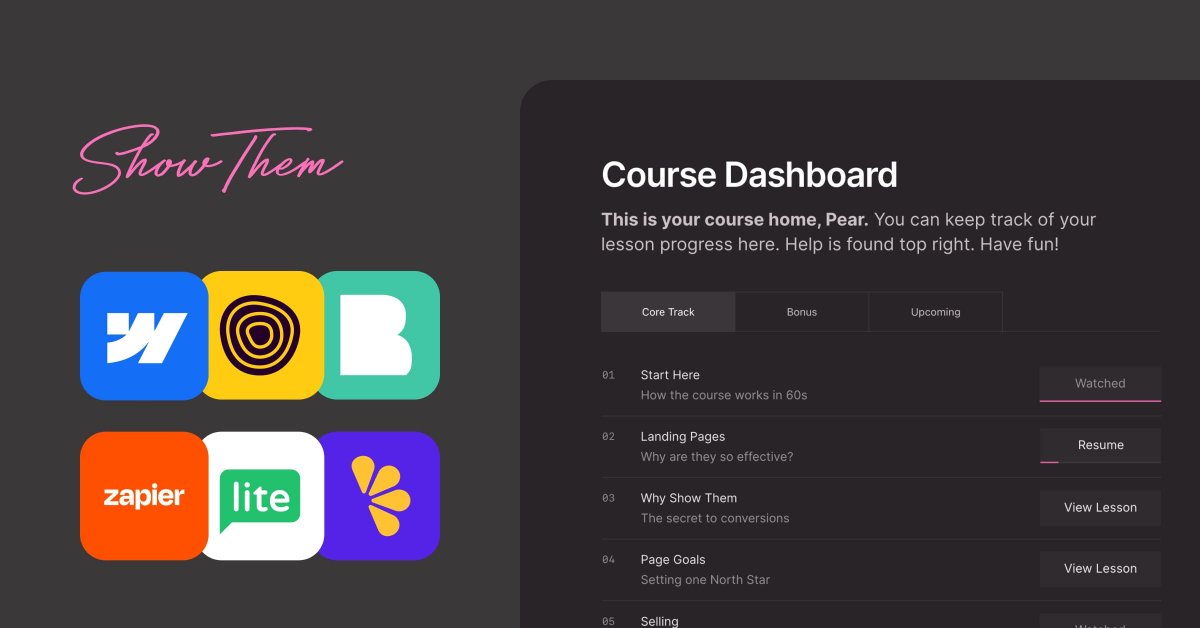
6. Once they have set a strong password, they are automatically logged into the course and taken to their dashboard. 🎞️📊Note how it greets them by first name. Also note the 3 types of Netflix-style lesson states: View (first time), Resume (mid complete), Watched (complete)

7. Clicking on a lesson takes them into the single-lesson view featuring a big central video (hosted with @boldvid ) with course pagination below including a chapter complete CTA button:
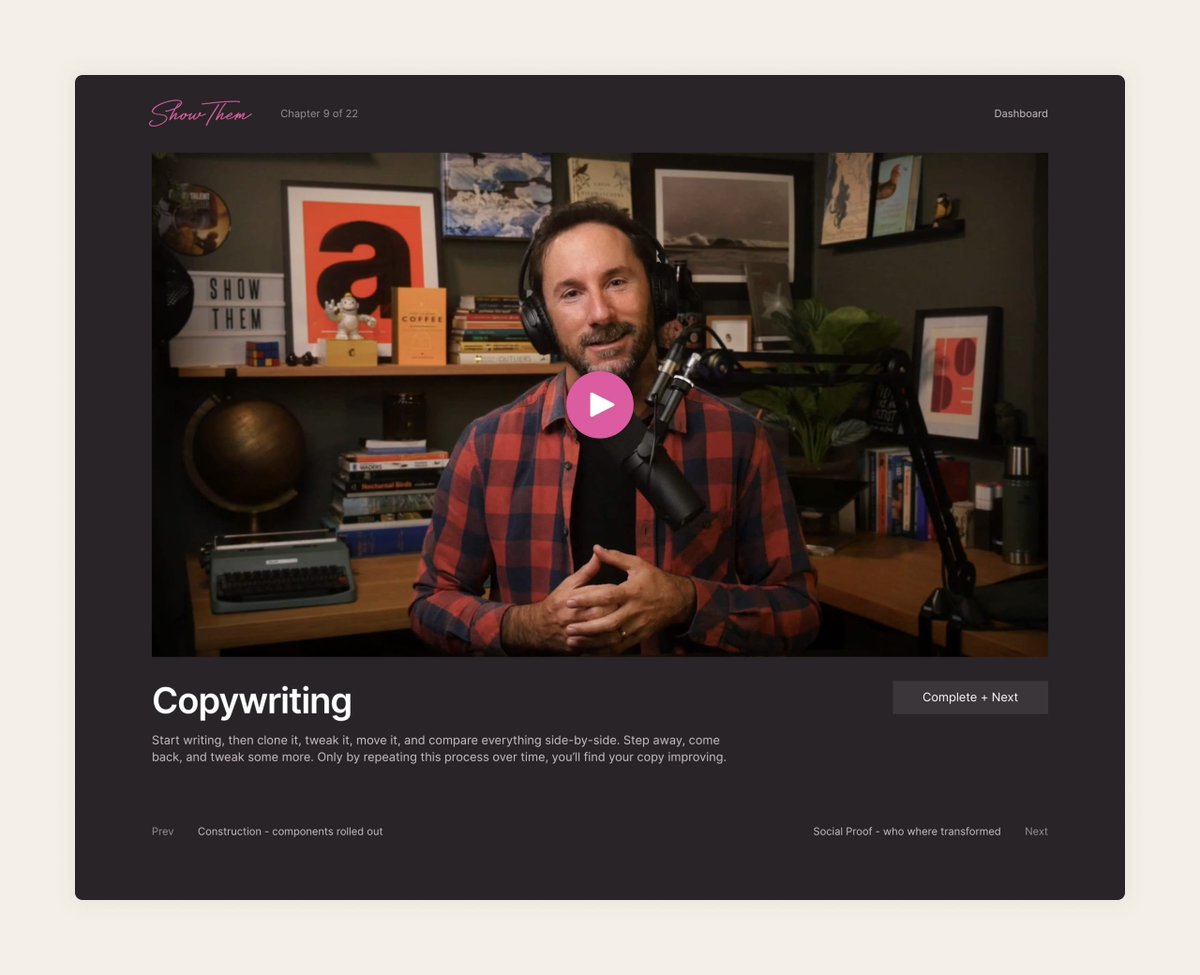
8. Lastly, note how the top navigation populates if that lesson features bonus visual references or useful resources 🔗🌌 Most chapters have them. These are displayed below the video area, further down the page:

Ok, that's pretty much the experience, let's break down the software costs and why I chose each over others. 1/6 Landing Page, CMS: @Webflow Primary use: course home (ie. landing page), course progress dashboard, course chapters and all misc webpages like Help, Roadmap etc. 💳

Then here is the neat CMS view, featuring the Visual References collection I mentioned earlier. Note the CMS collections on the left for Lessons, Visual Refs, Resources and FAQs:

Lastly, here is the single CMS item edit view. Note how I can easily import content from other CMS categories. This is really useful if I want to mention a Visual Reference or Resource in more than one lesson. (Shout-out to Matt Evans who made this Webflow CMS experience a

2/6 Authentication: @outseta Primary use: Authentication for users, creating a paywall to the course content, sending user email updates 💳Cost: $39/mo (paid annually) tl;dr why Outseta over others? Authentication is tricky during the research phase. Once you commit,
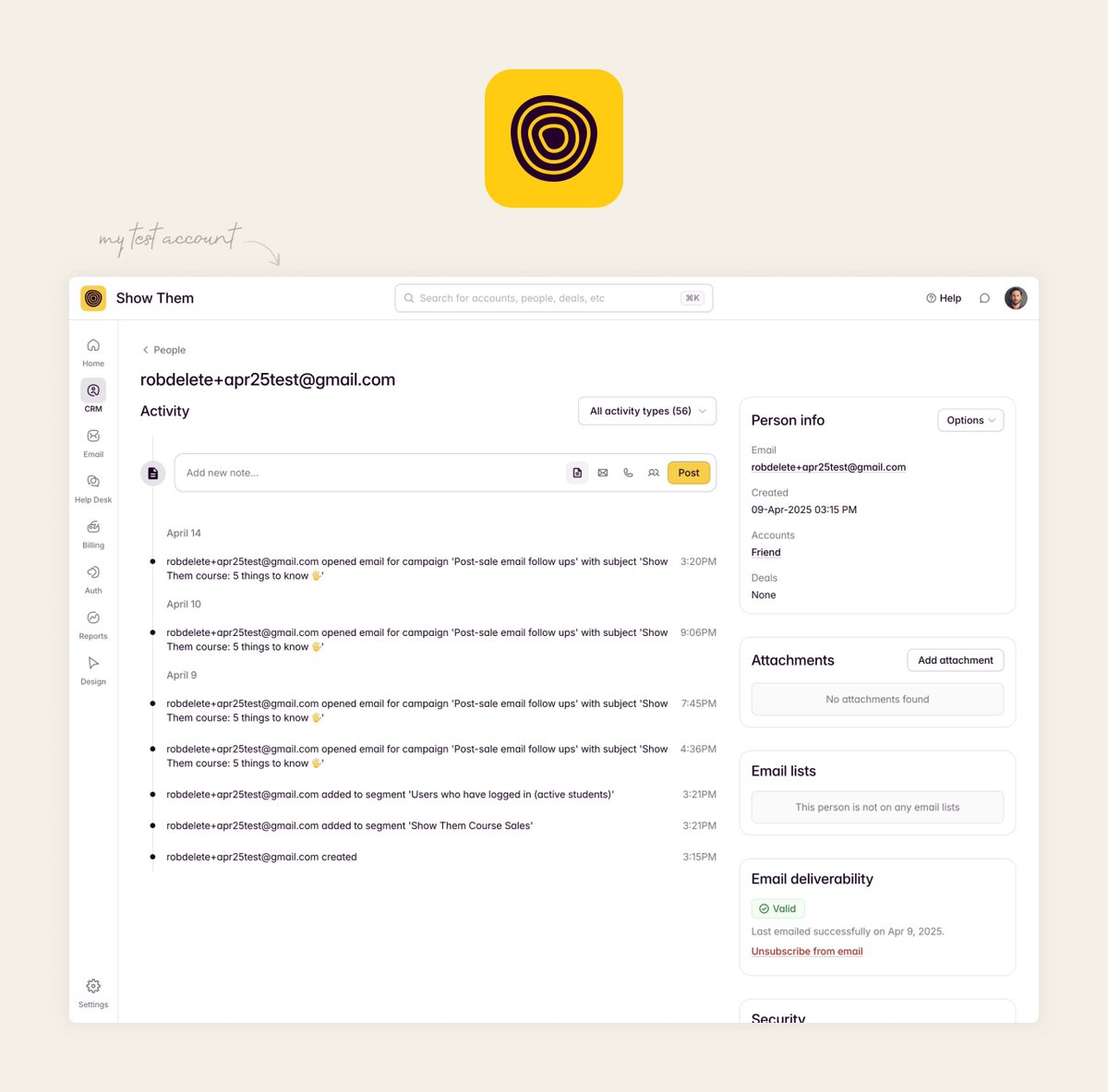
Here is my automated drip that goes out 1hr after sign up with 5 things to know. Note how it reused first name:

And lastly, here is an email broadcast when I tell course customers I've added fresh content:

3/6: Video CMS/hosting: @boldvid Primary use: Video CMS/management, video hosting, video playback, chapter progress tracking* 💳Cost: $29/mo tl;dr why Bold Video over others? Bold Video is a new startup offering fast, high-quality video playback in a completely unbranded

4/6: Automation: @zapier Primary use: automations, follow up emails 💳Cost: $19/mo (paid annually, when sales spike I buy more credits) tl;dr why Zapier over others? Zapier is invaluable for me as a maker who can design and code but prefers to avoid the deep technical stuff.

Here is that last part zoomed in. After 30 days, a text-only, short email is sent from my Gmail account using their first name. I even have these in my sent items. There is no Zapier branding at all:

5/6: Marketing: @MailerLite Primary use: non-customer marketing emails and user segmentation 💳Cost: $30/mo (I've extracted this number out my bigger subscriber base, based on course customers) tl;dr why MailerLite over others? I have a love-hate relationship with email

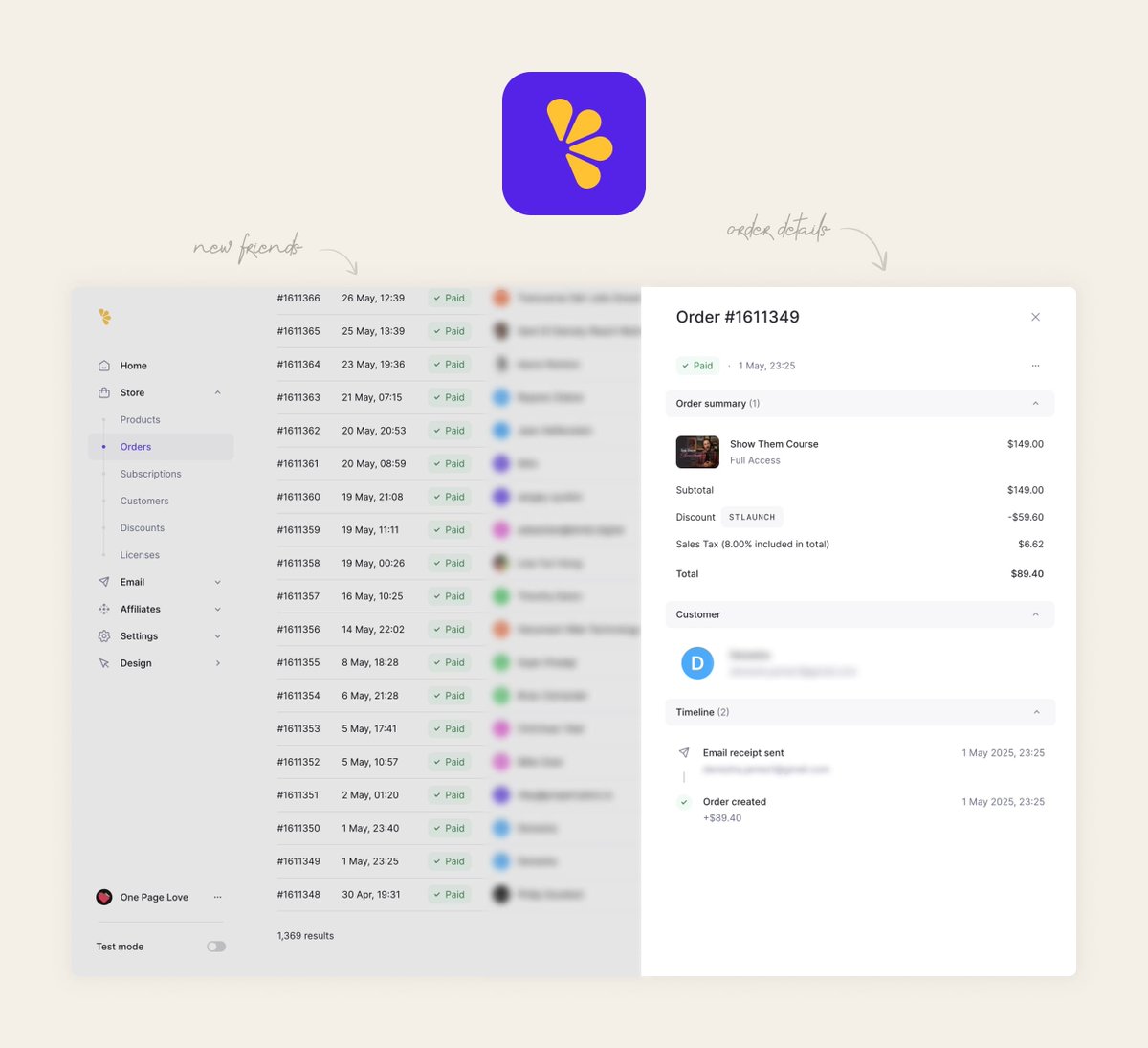
6/6: Payments: Lemon Squeezy (@lmsqueezy) Primary use: taking payments, handling merchant of record 💳Cost: 5% + $0.50c tl;dr why Lemon Squeezy over others? I’ve been using Lemon Squeezy since the beta days and have always been a big fan of the team. So it was a no-brainer to

And here is the order dashboard where I can pull up details like when emails were sent. It's worth noting that I've applied the Lemon Squeezy payment setting to pay the tax on behalf of the user. I clear less but the final amount they pay is always aligned with what I'm
💳Total monthly cost: $190 Without getting into too much detail (some payments are annual, some monthly, some based on sales), the approximate total cost of my custom-built course website experience is ~$190/month. Now would I move to an out-of-the-box course solution if it
... and if you want to bookmark this all in a long-scrolling article, with high-res big images, here you go:) https://robhope.com/blog/show-...
@robhope @webflow @outseta @boldvid @zapier @MailerLite @lmsqueezy Great write-up, Rob. A lot is similar to my own approach (using people's names, Mark as Complete, see you've already watched etc.). Was there a particular reason you went with Boldvid? I'm currently spending $995/yr on Wistia (and that's with a huge discount) but seems
@ViperChill @webflow @outseta @boldvid @zapier @MailerLite @lmsqueezy Going to reply soon on all. Stoked you enjoyed the write-up!
@robhope @webflow @outseta @boldvid @zapier @MailerLite @lmsqueezy Bookmarked. Thanks for sharing this. I've never heard of Outseta and Boldvid, but I definitely might use the latter for future client video hosting.
@BWinningPages @webflow @outseta @boldvid @zapier @MailerLite @lmsqueezy Awesome Brandon - DMs if you need an intro for @boldvid - the player is minimal, unbranded and fast fast ⚡️ (not to mention lots of other features in their portal you get; like searching for a specific mention of a person/brand/topic out 100s of vids)
@robhope @webflow @outseta @boldvid @zapier @MailerLite @lmsqueezy The UI is so clean! Did you find any unexpected challenges when integrating all these tools together? Currently planning my own course.
@educalvolpz @webflow @outseta @boldvid @zapier @MailerLite @lmsqueezy Thanks, yeah tried to keep it no fluff! Good Q, probably should do a recap at bottom of article or a fresh one purely on this. Main one: the steps after sale (the success message and emails after) are vital to get your communication watertight (don't ask too much). Any vague
@robhope @webflow @outseta @boldvid @zapier @MailerLite @lmsqueezy @itshabgood you’ll like this
@robhope @webflow @outseta @boldvid @zapier @MailerLite @lmsqueezy Maybe it can be done cheaper and faster with Lovable + Supabase