
I am a graphics programmer, and here's my feedback on Apple's Liquid Glass beta. The idea is cool, but it's difficult to work with from a UX perspective. Let's start with the main problems: 1 - Low Contrast: It's clearly not readable, but there are many different ways to fix it.
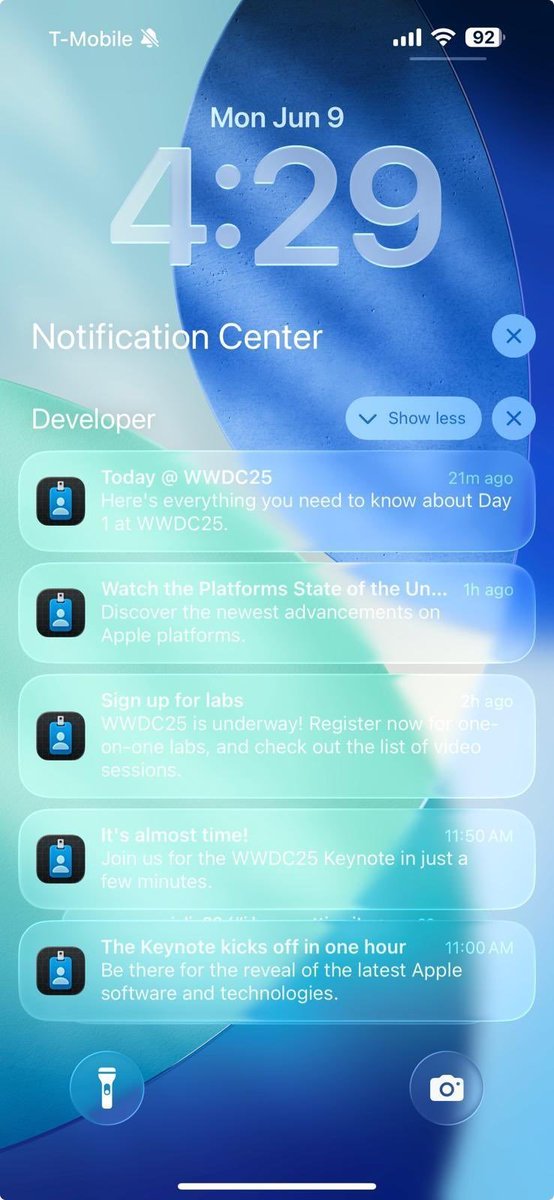
2 - Borders: The shapes of buttons and UI are unclear. They just blend into their surroundings with a very subtle rim, which isn't very apparent at a distance
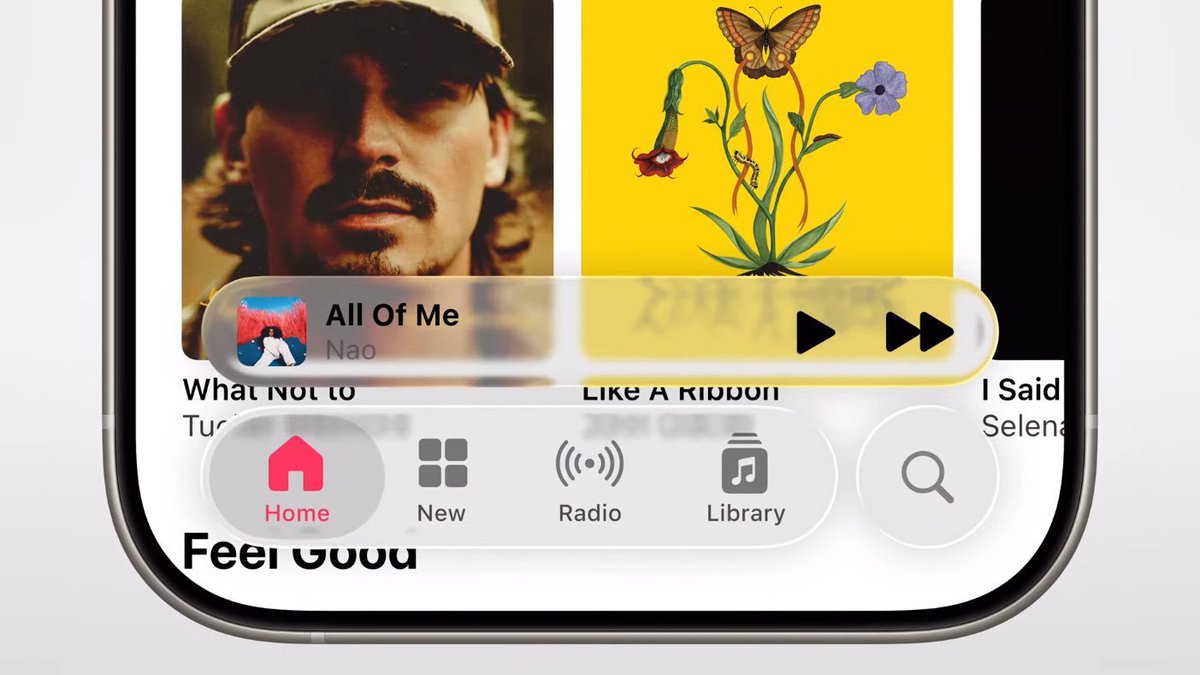
3 - Weak Blur: The blur is just too weak to distinguish the UI elements from the background. This is much more noticeable on text or high-contrast backgrounds
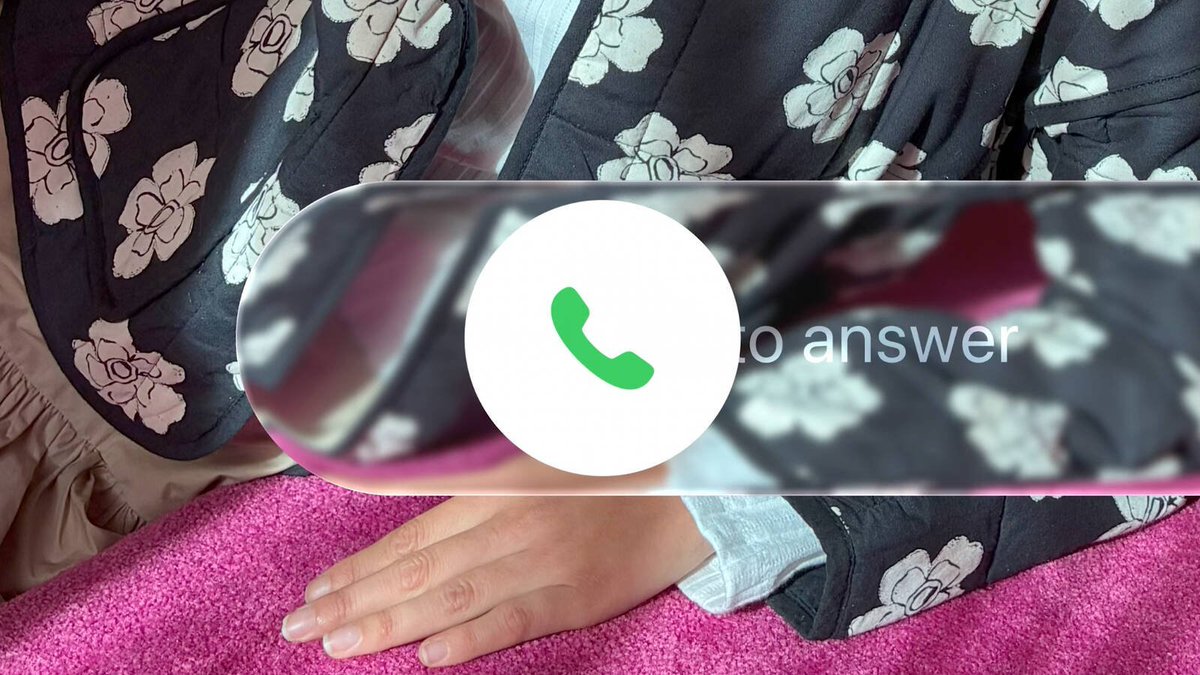
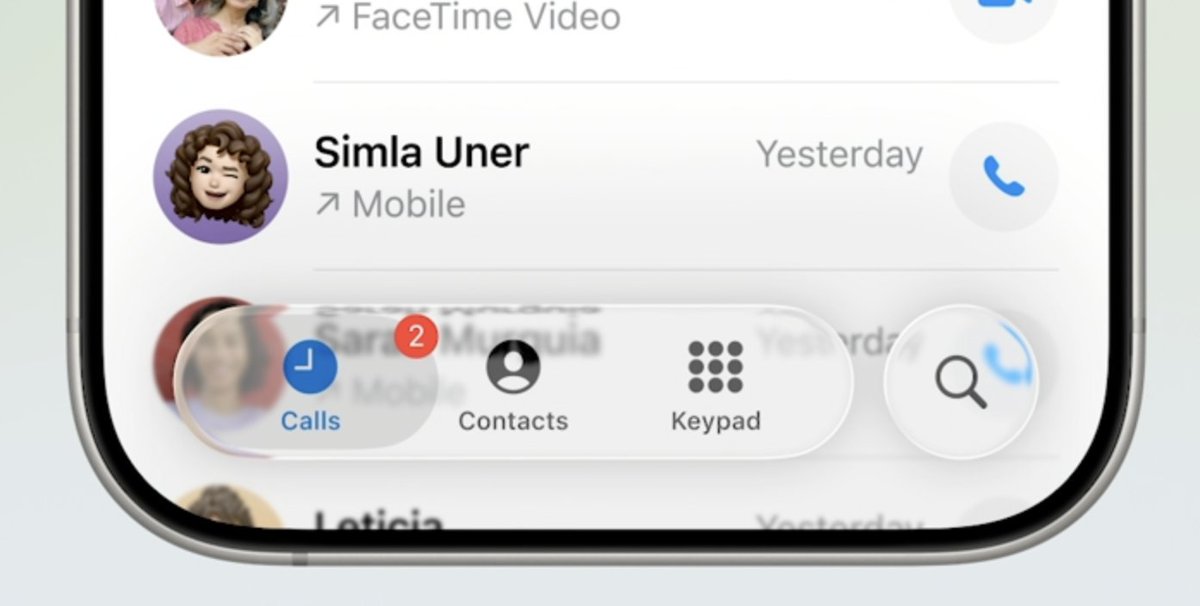
4 - Separation: Look what happens when you put the glassy UI on top of the homescreen. The foreground elements should stand apart from the background, but since they are clear, they don't pop out at all. It's easy to see the issue in luminance.
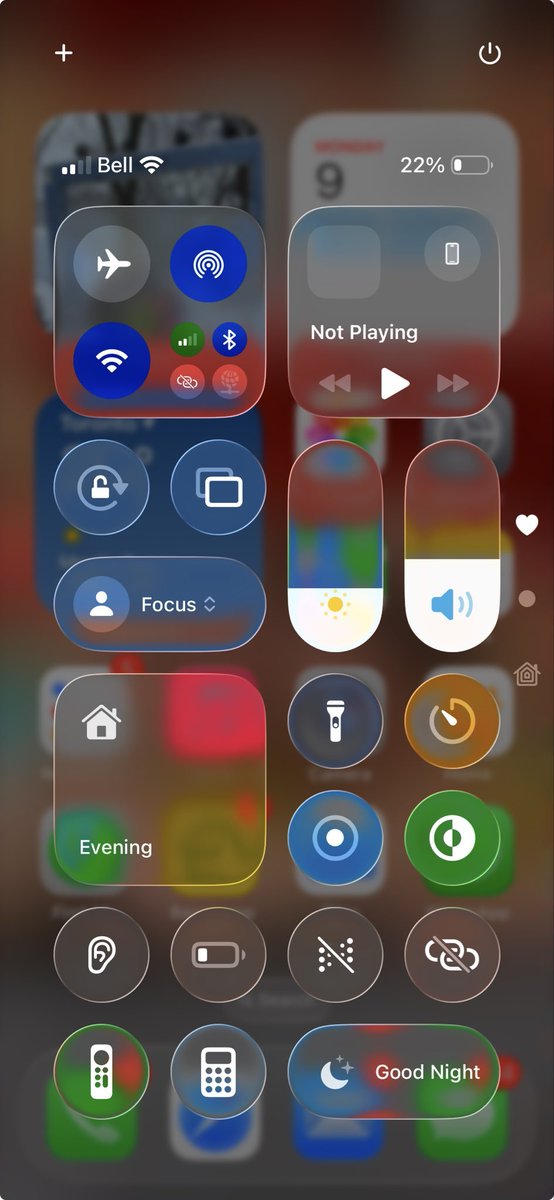
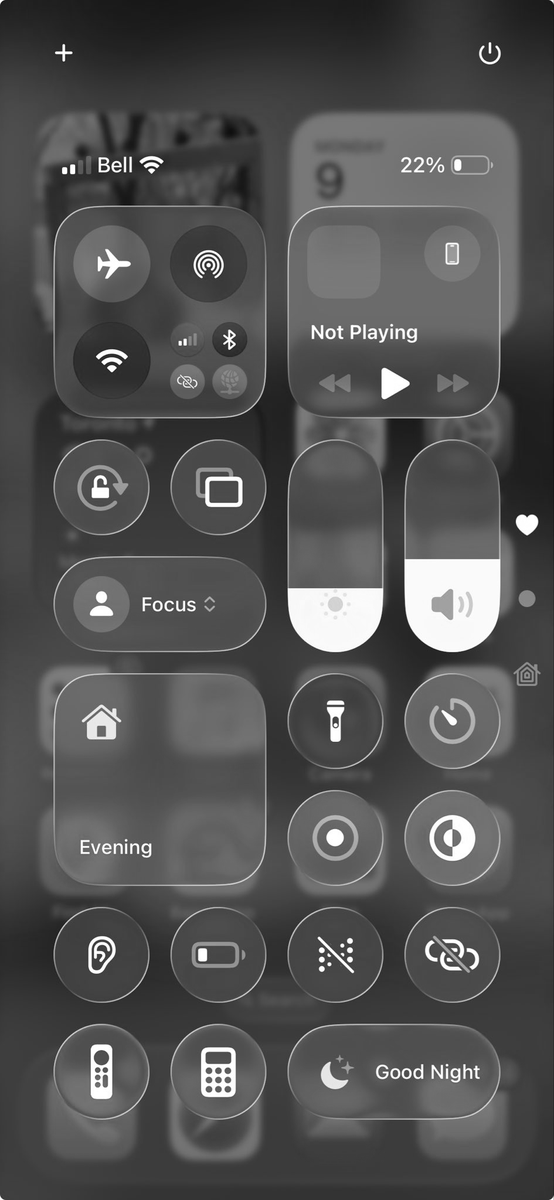
5 - Composition: Some backgrounds do not suit the clear UI well at all. This is not an issue with opaque/semi-transparent UI, but clear distinguish itself from soft backgrounds

Now there are lots of different ways to address these issues, but here's what I would do: 1 - Drop Shading: I don't mean a cheap Gaussian blur with a pixel offset. It should be a stack blur at multiple scales for a nice blend. Here's the worst-case scenario, white-on-white:
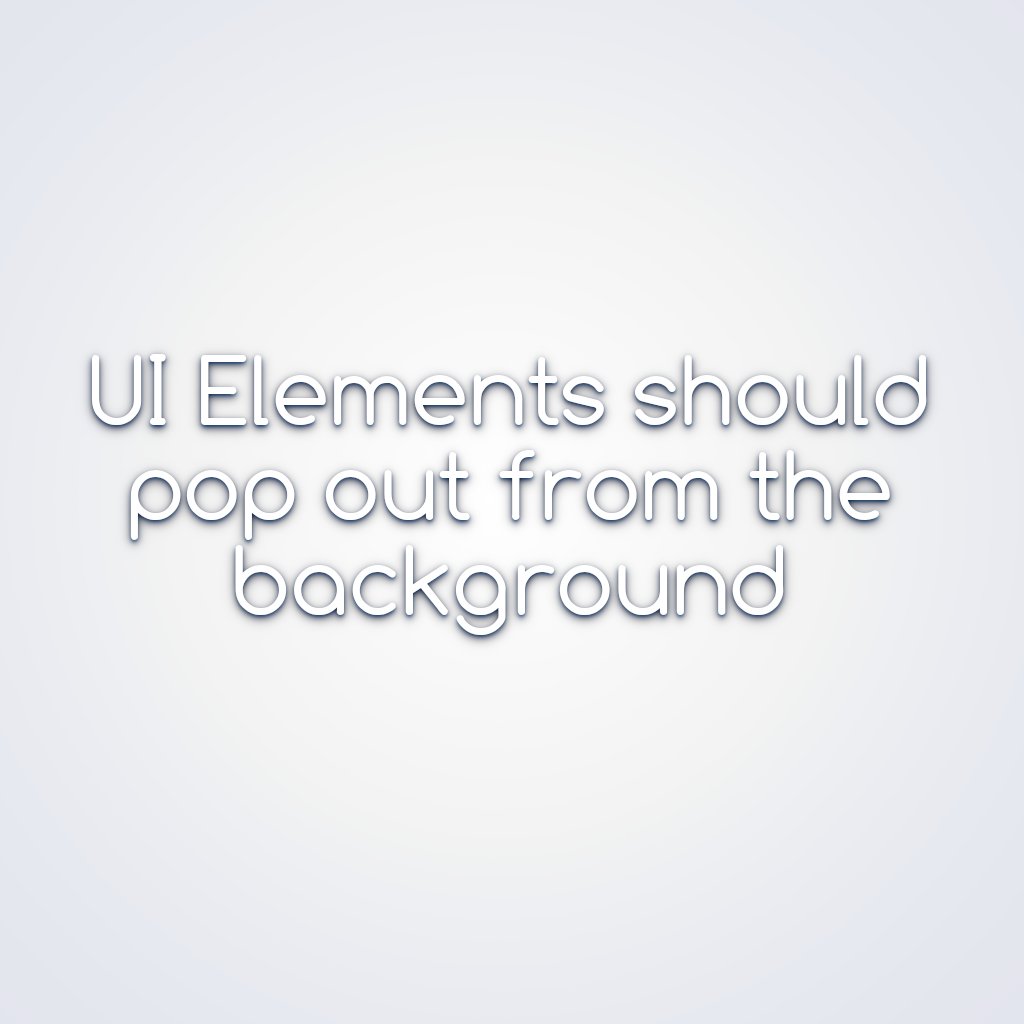
For added character, there should be a sprinkle of sky color (more color in the finer blurs). It should feel like natural lighting. The shadow offset could respond to the gyro similarly to the specular highlights, improving the sense of depth and response
2 - Rim Lighting: To improve the separation from the foreground, the UI should have stronger rim lighting with a smoother falloff. Combine this with a subtle drop shadow, and it should stand out from any background

3 - Blur Tweaks: The blur looks too flat and uniform. It should use a progressive blur with stronger blurring at the edges. When the background is out of focus, it should use a disc blur for a richer bokeh effect

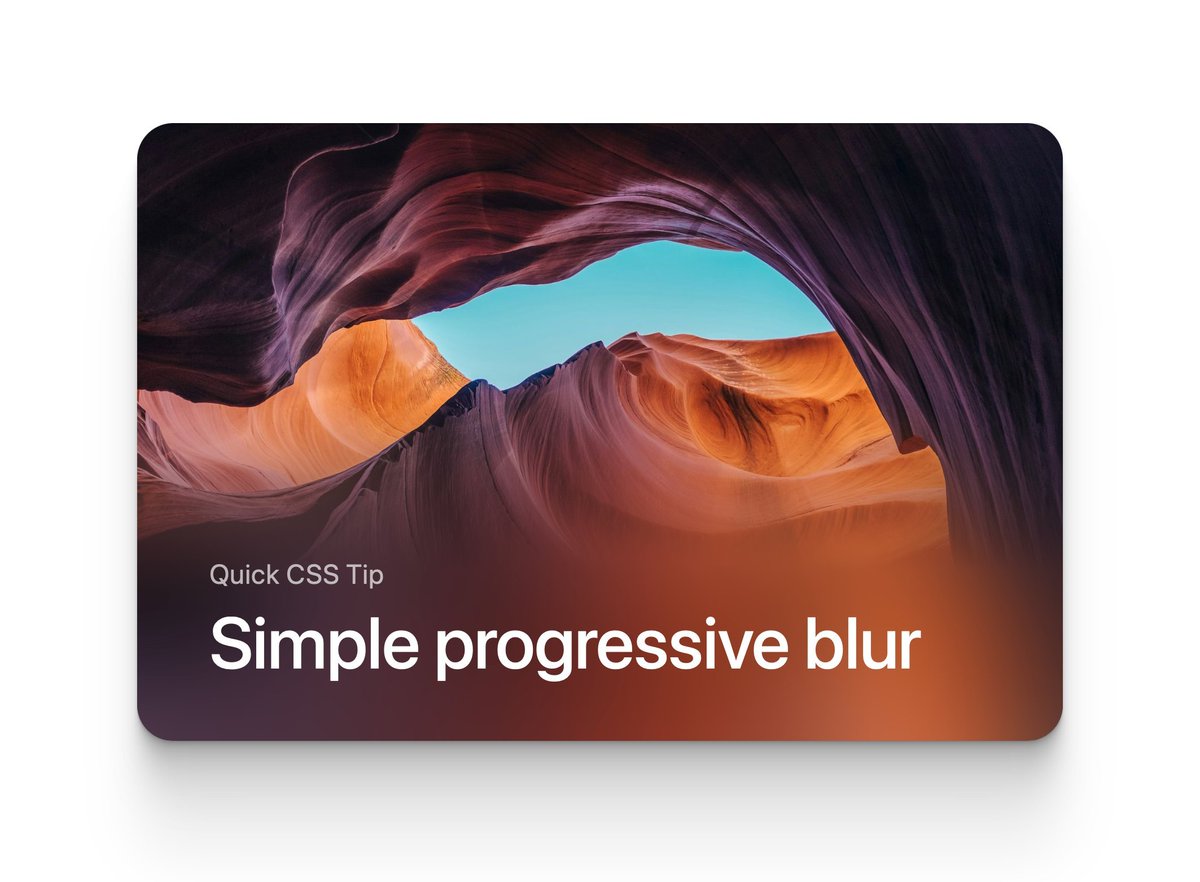

4 - Caustics: Glass UI elements should glow on the side opposite the light. This would improve the sense of separation and make it feel more glassy and lively. The specular highlights could be intensified a little

5 - Tonemap. In some of the demos, it appears to be overexposed. It should be tonemapped (if it's not already) for soft glowing without harsh boundaries.

6 - Stained Glass. Another interesting concept is colored glass. This gives more room for customization and helps with visual separation. For better results, it should be a gradient Here's a quick and dirty concept:

Another example of the problems. The automatic light/dark thing does not work well
