
Gemini 2.5 pulled insights from 30+ sources. I turned that research into a next-level presentation in seconds. Goodbye Canva. Goodbye Google. Goodbye PowerPoint. Let me show you how to do the same 👇
Step 1 Open Gemini 2.5 and enter a detailed prompt about your topic. It will gather well-structured research and highlight the key insights automatically
Step 2 Copy the well-structured data provided by Gemini 2.5 and head to https://gamma.app/ Use the “Create with AI” option, pick a template that fits, paste the text, and hit generate.
Step 3 Gamma instantly turns your content into clean, professional slides. It auto-formats everything and even adds visuals that match your topic perfectly.
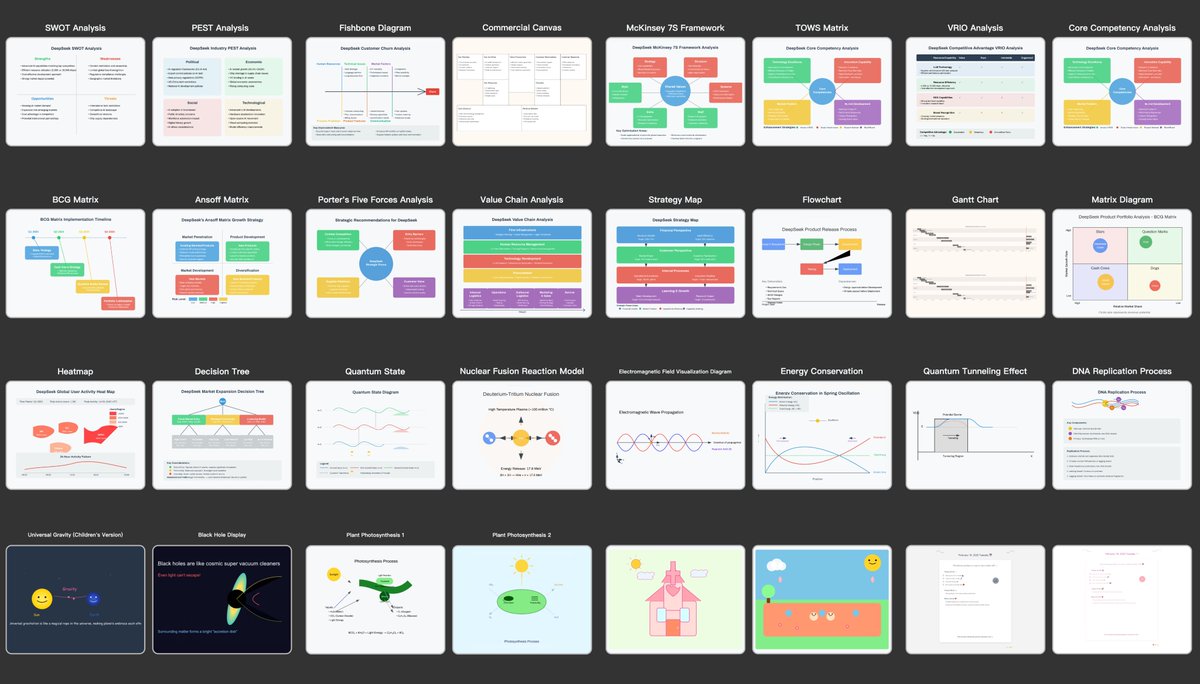
Here are the slides I made using Gemini 2.5 and Gamma. They look professional, and I didn’t have to spend hours building them.
Seriously, just pick a topic and test it: https://gamma.app/ Gemini + @MeetGamma makes the whole process stupid simple.
Done! If this thread helped you, 👉 Repost it to help someone else. 👉 Follow @EyeingAI – I break down AI every day.