
Apple's 3D viewer is based on @threejs, uses @glTF3D and gets more impressive every year! CAD meshes, environment blends, reflection probes, occlusion: let's take a look at what's special this time – (long thread ahead)

First, some eyecandy. The viewer looks CLEAN. Why? - the viewer snaps to canonical angles (side, front, etc.) - there's likely some blending of environments, with specifically tuned environments per canonical view
There's also a clean transition when selecting the "Color" options, where the phone fills more of the screen. Only that first part is 3D – all the other menu entries are videos that fade to/from black. Let's dive into the 3D part...
Last year, the 3D asset was in glb (binary) format, processed with gltf-transform by @donrmccurdy. Now, the @glTF3D file is split into separate gltf+bin+textures files. Their names are all hashed/randomized. Unexpected: turns out Finder can now natively preview KTX files!
The glTF not being postprocessed means: - it doesn't use mesh compression (which it should) - we can see the "generator", aka where the files came from! Looks like it's exported from Maya, with maya-glTF from Matias Codesal, who also maintains a lot of great USD resources.
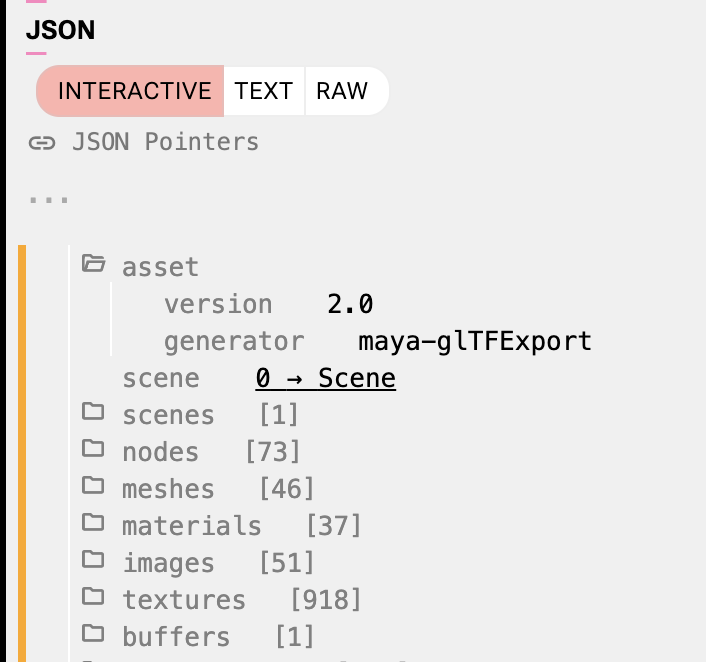
As always, I'm doing this analysis with https://viewer.needle.tools, which is an absolute powerhouse for 3D inspection on the web literally shows every detail of a file! and you can install it as PWA so it opens GLB automatically!
For example we can check out the extensions used in the glTF – there's a good set of the "PBR Next" material features that glTF has. Apple is now also using clearcoat/iridescence

Some stats: - 51 textures - 46 meshes - 37 materials - 53k vertices - 72k triangles - total size ~20 MB for all three color options

Most small details are textured: - screws - vents - the flash


Others are modeled geometry, like THE ENTIRE USB C SLOT


Or, famously, the Apple logo – makes total sense, they get vector resolution by making it as geometry, which means it will never be pixelated!
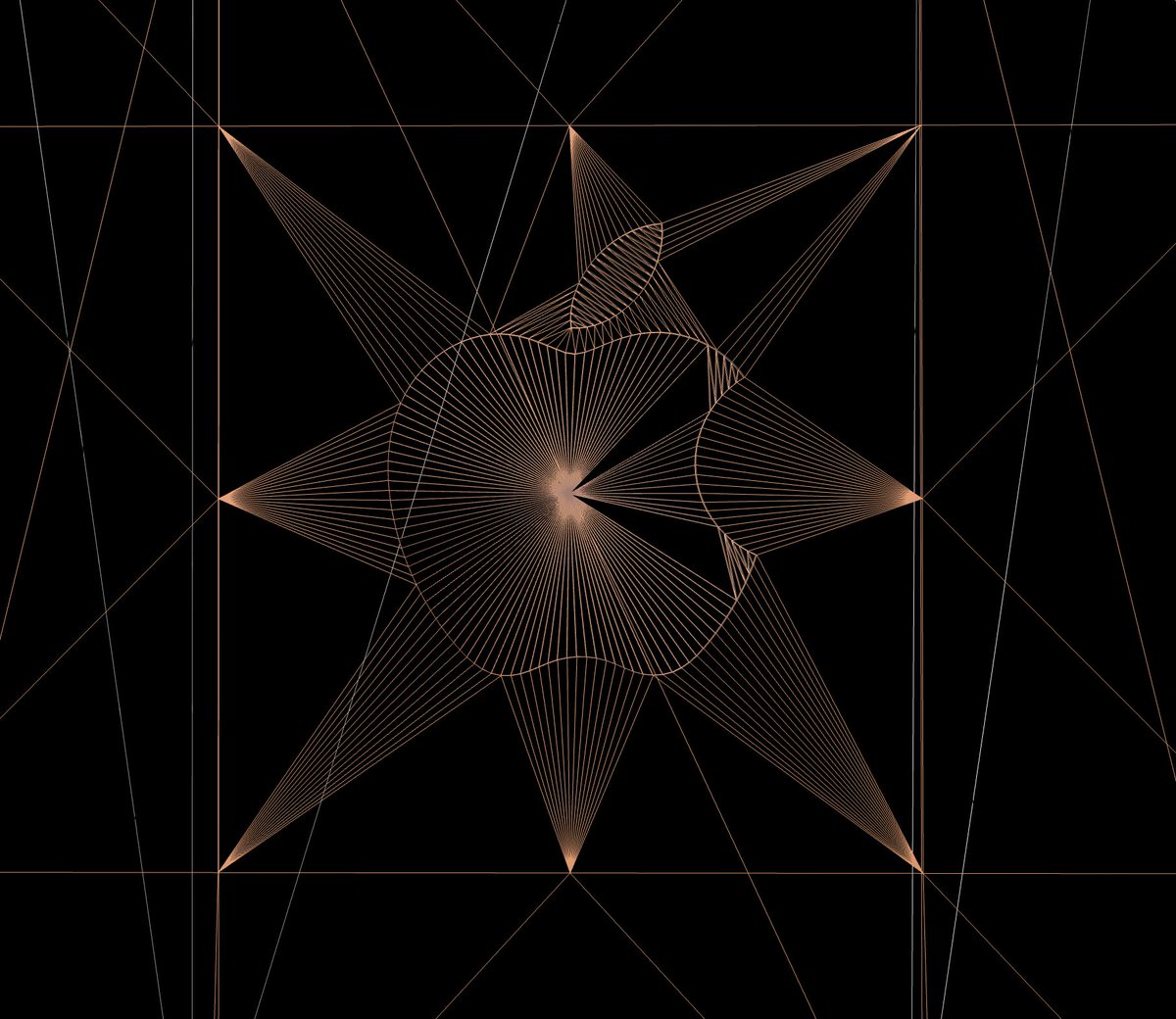
Some more geometry, including That Little Hole Near The Cameras


With Needle Viewer, we can also easily look at the different texture channels. Here's albedo, normal, roughness, metallic Notably, metallic values aren't just 0 or 1 (in the physical world things are either metals or not)


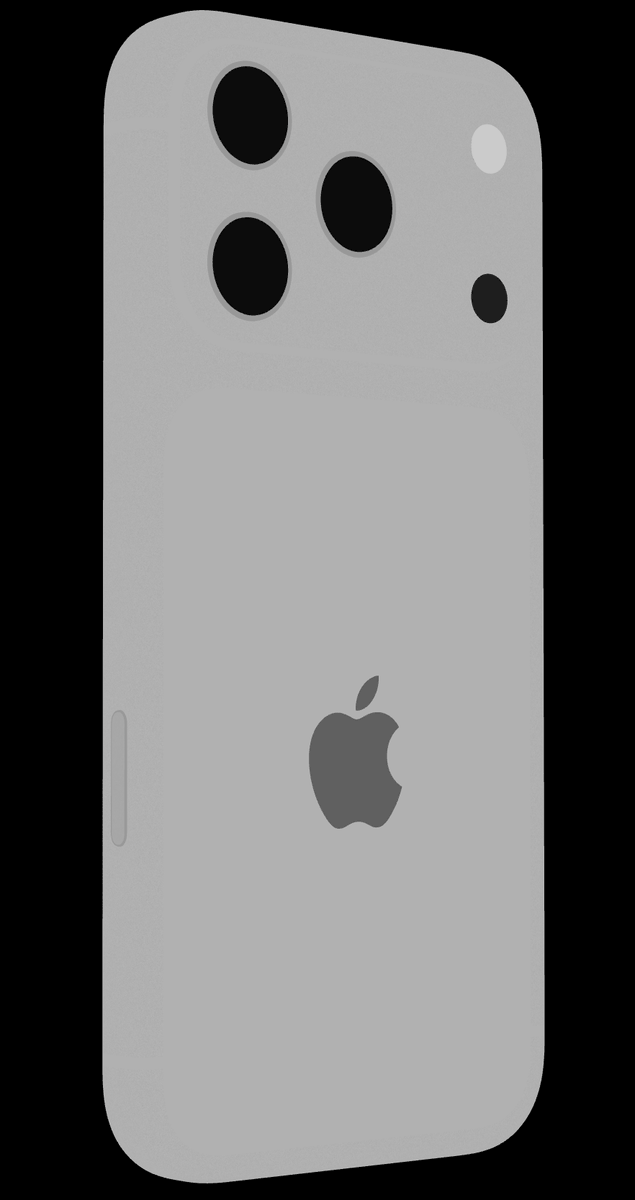

The ambient occlusion data is super clean as well
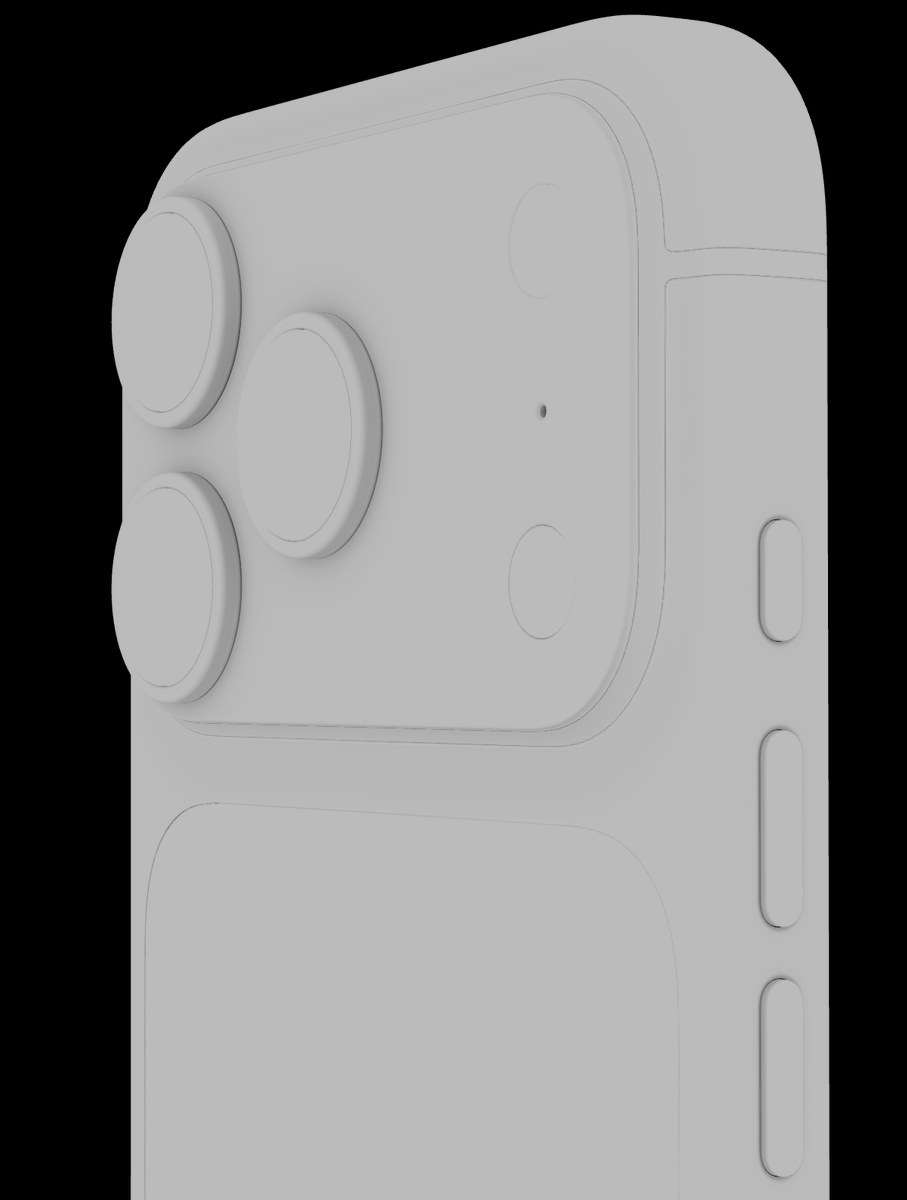


What's also very nice is the surface detailing. Surfaces use normal+roughness maps to give them a finish of being bead blasted / microbilleted.


We can see that very well if we turn on "Surface Review" mode in the viewer, which shows us just the surfaces:
This texture treatment emphasizes the "haptics" of the surfaces very well I think:

While we're looking at the lenses – those look much better in Apple's viewer than in ours! What's going on? Here's a closeup from Apple's page, you can compare the reflection in the lenses to the previous image:

Turns out Apple is using "reflection probes" – basically custom little environment images JUST for the reflection in the lenses. They look like this – carefully tuned for nice reflections that mimic how actual lenses refract light:
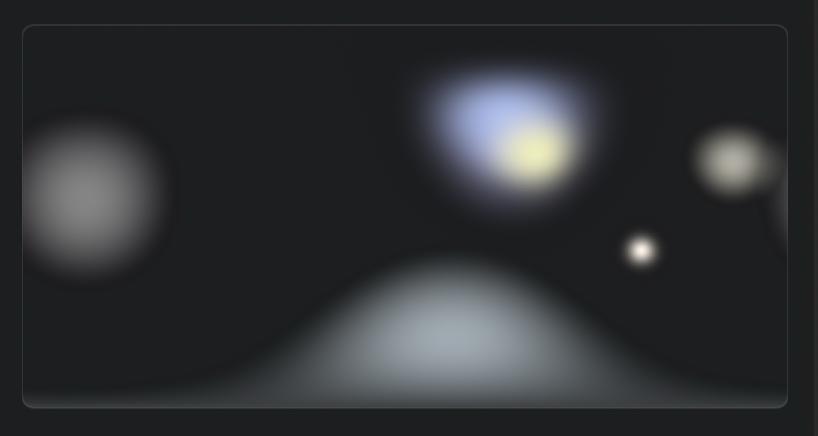
In three.js you can achieve that by overring the .envMap property of specific materials from code in Needle Engine you can directly use reflection probes without having to write code. see https://engine.needle.tools/sa...
There's another trick Apple uses to make the realtime renderings match their packshots (the offline rendered product images). For packshots, the lighting is usually adjusted for every image, but in realtime that's not common. You can see it here – there's some obvious darkening
I believe they made a little tool for designers to accurately place lighting PER VIEW, same as for packshots. And I found the files – they're loaded on the page as separate glTF files which contain little "light dots" and "shadow dots" in front of a neutral environment:
I'm not entirely sure but this one here may be the environment responsible for the dark spot we saw earlier in one view:
So, a lot has to come together to get to that quality level: nice textures + clean geometry + refection probes + environment blending. If you want to do that on your own, @threejs makes it possible, @NeedleTools makes big parts of the process easier :) https://needle.tools
Hope this thread gave you some insights into how high-quality realtime works on the web If you want to see more more cool stuff, follow me and @NeedleTools. See ya next time!
@hybridherbst @threejs @glTF3D Can you rip the 3D model of the iPhone air off the website? Id like to have that 😅
@THEFREEB0Y @threejs @glTF3D Yes but it ain’t trivial – network tab, refresh page, download har archive, extract, find the folder with glTF+bin+ktx files, drop in needle viewer, export as glb
@hybridherbst @threejs @glTF3D nice breakdown
@supremebeme @threejs @glTF3D Thanks!
@hybridherbst @threejs @glTF3D legendary! thanks for doing these ❤️
@karanganesan @threejs @glTF3D Thanks Karan!
@hybridherbst @threejs @glTF3D Looks smooth. Honest querstion: I'd @Apple and other big tech companies doing their part donating money to support OSS projects lile @threejs when they use them?