
how to deploy your own website on tor explain like im 5🧵

1. download tor: https://www.torproject.org/dow...
2. download tor services [pacman -Sy or apt-get install] tor
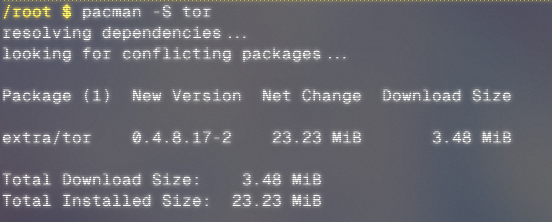
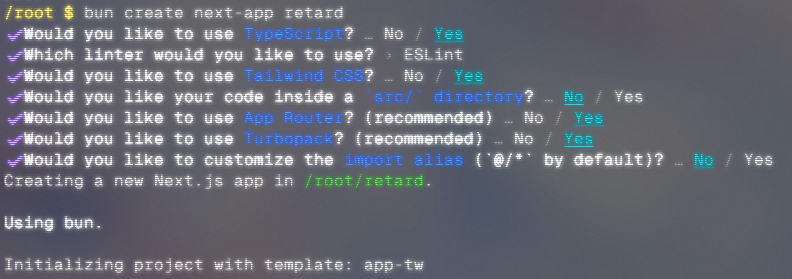
3. make your site (nextjs, here) bun create next-app <app_name> && cd <app_name>
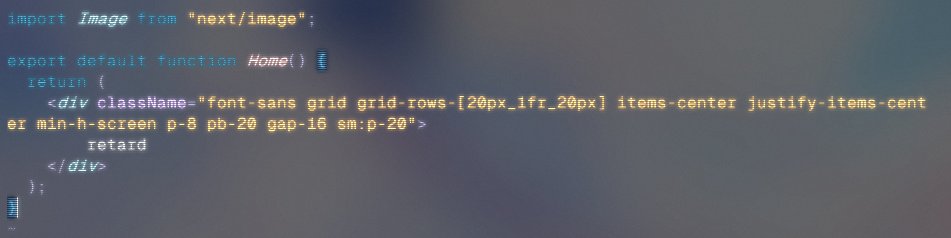
4. edit page.tsx > nvim app/page.tsx 5. make the changes to the file 6. save and close nvim > :wq
7. run the nextjs server > bun dev
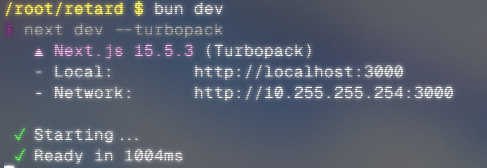
8. open brave and go to http://[network ip]:3000

9. open new terminal
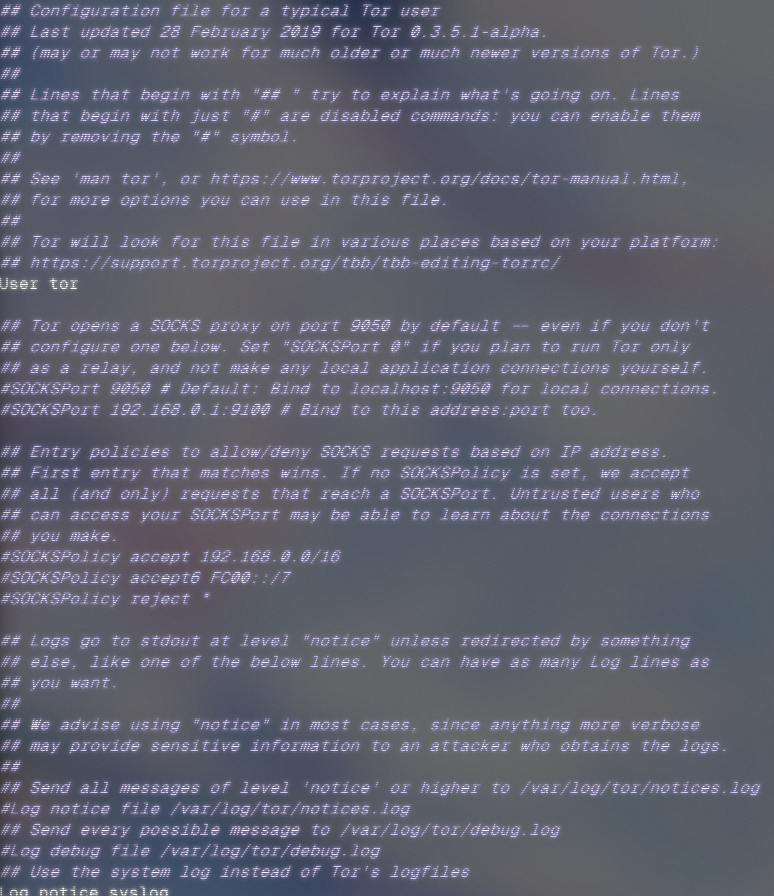
10. some crazy stuff

11. what the fuck?
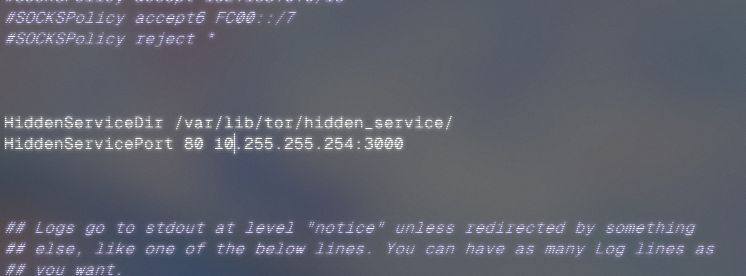
12. paste magic stuff ✨✨ HiddenServiceDir /var/lib/tor/hidden_service/ HiddenServicePort 80 [your network ip]:3000 13. bye nvim > :wq
14. TOR

15. NEW TERMINALLL
16. get ur link yay > cat /var/lib/tor/hidden_service/hostname

17. open tor browser and go to the url
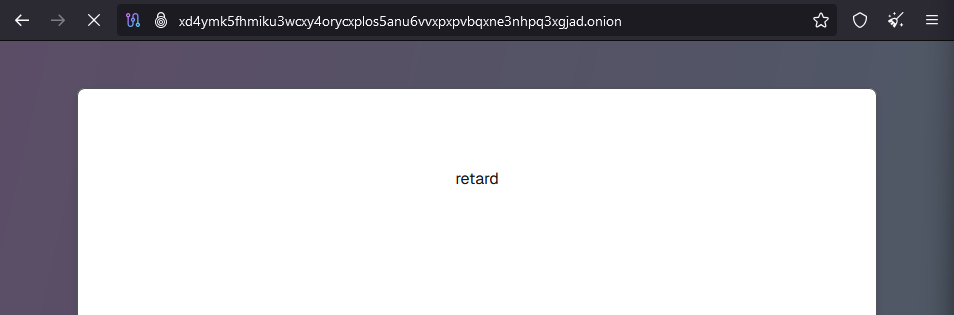
follow for more onion: http://xd4ymk5fhmiku3wcxy4oryc...
@forloopcodes I smell a banger (tor is easy, i2p is also easy, actually most stuff is easy or it isn't public)
@1casie fr, this was so simple lmao
@forloopcodes Great guide, thankies
@jesx64 wdym thanks
@forloopcodes banger guide, motivated me to try get a up a duck tor site
@Duxxcoda send the onion
@forloopcodes That's sick
@Icetrycode ty
@forloopcodes Sugoi forloop chan
@prthkys who ts
@forloopcodes use tmux forloop no new terminal
@ryyabhh fr?
@forloopcodes OK, but I want my website in HTML, no dogshit.js
@ooberober ts just an example for nextjs, if u want no js, use django/php/dotnet
@forloopcodes This has been a W guide
@forloopcodes damn
@forloopcodes Instructions unclear, extradited to US to begin 25 year federal sentence. Something about traffic. Please give solution.
@forloopcodes NSA, this guy!
@forloopcodes I did not expect to see that I used the Nextjs for this thread ... Even so, the thread is great ^^