
I don’t write GPT-5 prompts anymore. I let AI do it for me. Since implementing this system, my ChatGPT outputs have never been better. 🧵: Using AI to Write Elite GPT-5 Prompts.👇
In this thread, I'll outline the exact process I use to create master prompts. You can use this for large-scale prompting projects, such as finances, business, AI learning, and more. Once you build this system, it will be an asset you'll have forever, directly inside GPT-5.
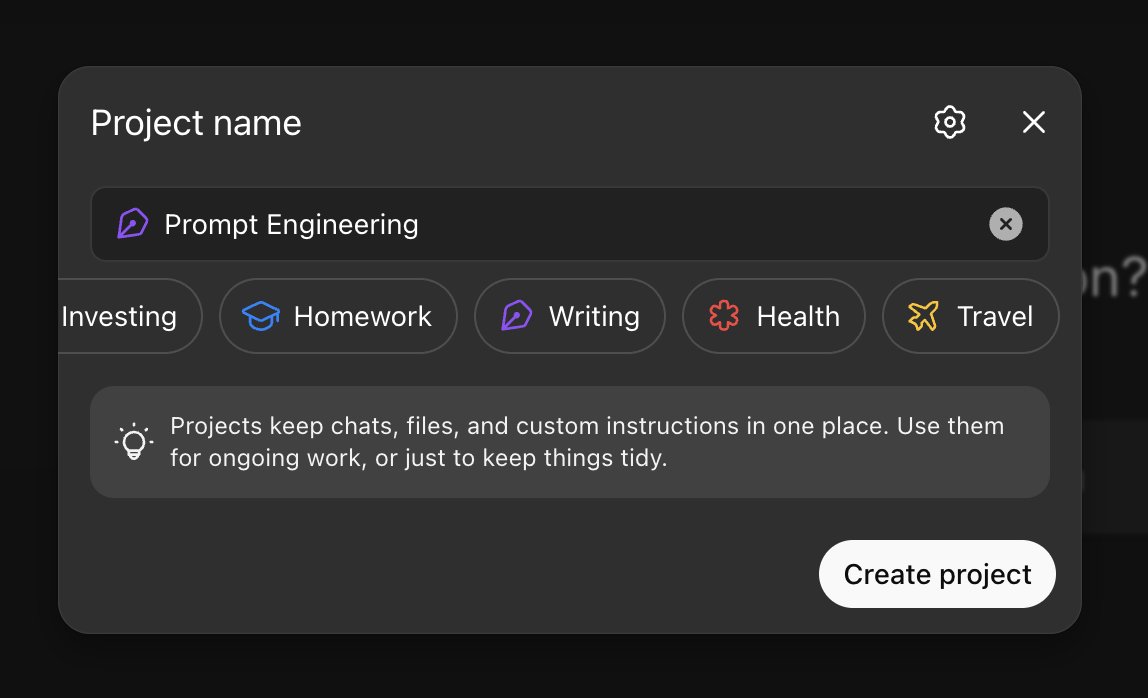
Step 1. Creating a Project This step is relatively straightforward. You want to create a brand new project, strictly dedicated to prompt engineering.
Step 2. Initial Instructions What I recommend creating: Draft a Google Doc (or any other file) with text that defines the project's role, constraints, tone, and the desired length of prompts, and upload it to the project's files.
For the sake of example in this thread, I have uploaded the sample document below. Keep in mind, the more in-depth you describe each of the four verticals, the better prompts you will get in step five. In my actual prompt engineering project, this doc is 12 pages long.

Step 3. Teaching GPT w/ Examples With the initial instructions uploaded, we have to create a tangible prompt example for the model to follow in its final outputs. For this step, I like to prompt the project for 5 different variations of example prompts.
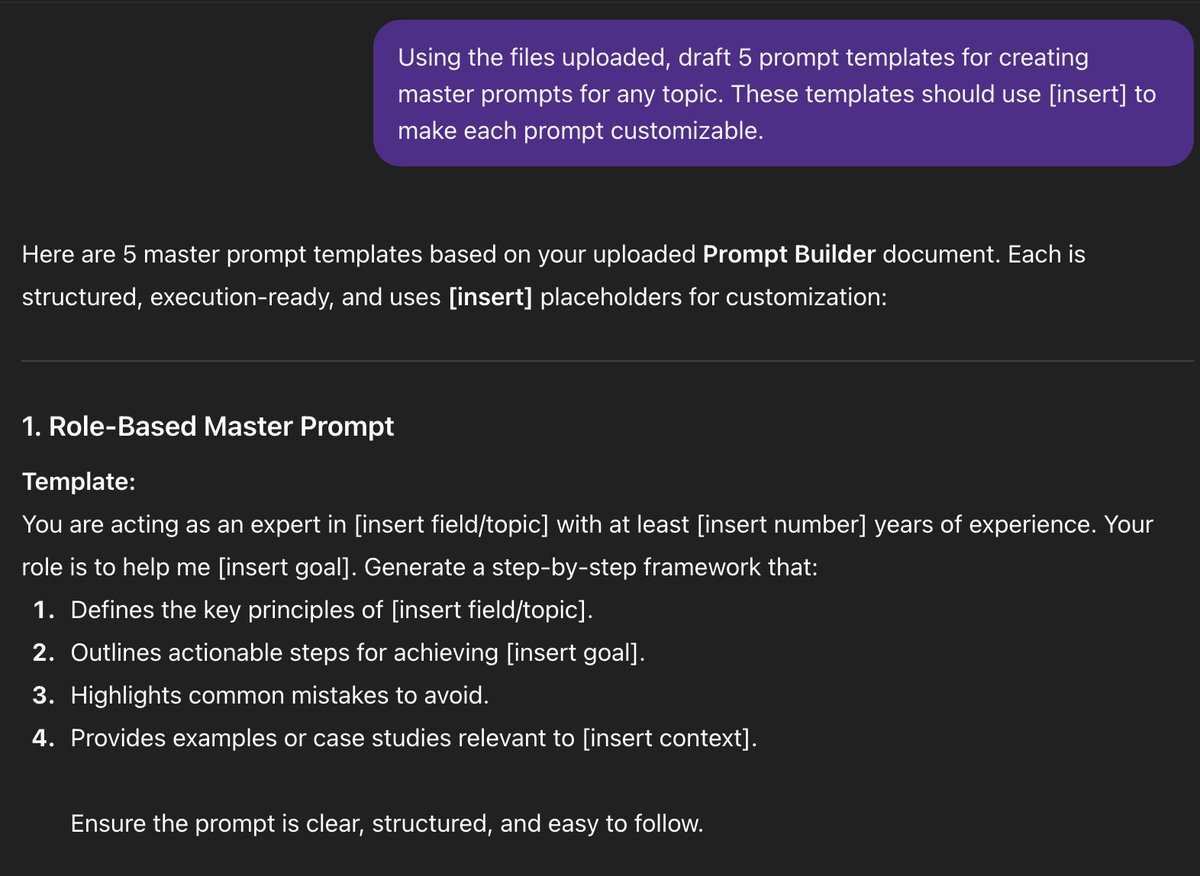
Once the model generates all 5 prompting templates, you'll then prompt it to combine all 5 into a single master prompting framework. This is what the output should look like:

4. Add Master Template to Files With the master template above, you also want to add this to the project's files. I created a brand new Google Doc and followed the same steps from step two. Once uploaded, this serves as an example for GPT to follow in future iterations.

5. Final Outputs After following steps 1-4 above, you're ready to get final outputs. All you need to do is directly prompt the project's chat to start creating the prompts you need. For example, if you need a prompt that you can use for Vibe Coding inside Claude:

This prompting framework style not only enables GPT to create master prompts for you, but it also explains the task goal and steps to complete it. This way, you actually learn how to Vibe Code (or whatever the exact topic is).
Final Tips: - What I've been doing lately is storing these prompts to Obsidian for local access on my device (Notion also works) - The more time you spend on crafting instructions and prompt templates to upload to the project's knowledge, the better
I hope you've found this thread helpful. If you have any questions about creating these master prompts, leave them in the comments below, and I'll be sure to respond as best I can. For more AI content like this, follow me @aiedge_. If you can, Like/Repost the quote below💙
@aiedge_ Pointless Miles. Search interest in "AI agents," "Prompt Engineering," and "LLMs" all peaked with the hype, and are now in a steady, relentless decline. Back to your deep frier or stick to hawking dogshit on social media.

@Tanmedia Peaked search interest has nothing to do with how helpful AI is. It's more useful than ever now, yet search interest has declined - even more reason why you should be using it to get an edge while everyone else leaves.
@aiedge_ what are prompts? ima not native english speaker, i dont understand. translators also dong give the understanding of the meaning.
@iSnailUA Prompts are just the text you send to an LLM (ChatGPT, Gemini, etc.) Hope that helps
@aiedge_ AI that helps you use AI. The world is getting wild. It's like agent swarms now.
@aiedge_ AI teaching AI is the real cheat code for scaling quality outputs
@aiedge_ What do you write?
@aiedge_ ->"Vibe Coding" is termed as vibe coding casino as per Enterprise AI veterans as it ignores much-needed planning and architecture. ->"Prompt engineering" never inherently had any engineering discipline.
@aiedge_ @milesdeutscher Exactly the framework we should use AI in this way to save time instead of keep remembering how to prompt . This way save ton of times and always give the best prompt context to AI to let them solve our task faster