
The n8n docs teach you to build workflows. They don't teach you to build workflows that don't break at 3am. After shipping 50+ automations, here's what actually matters:
Tip 1: Always start with Manual Trigger Stop jumping into webhooks on day one. Use Manual Trigger for testing. Hit "Execute Workflow" and see instant results. Once it works, swap for Webhook or Cron. I see beginners burn hours wondering why their webhook "doesn't work."
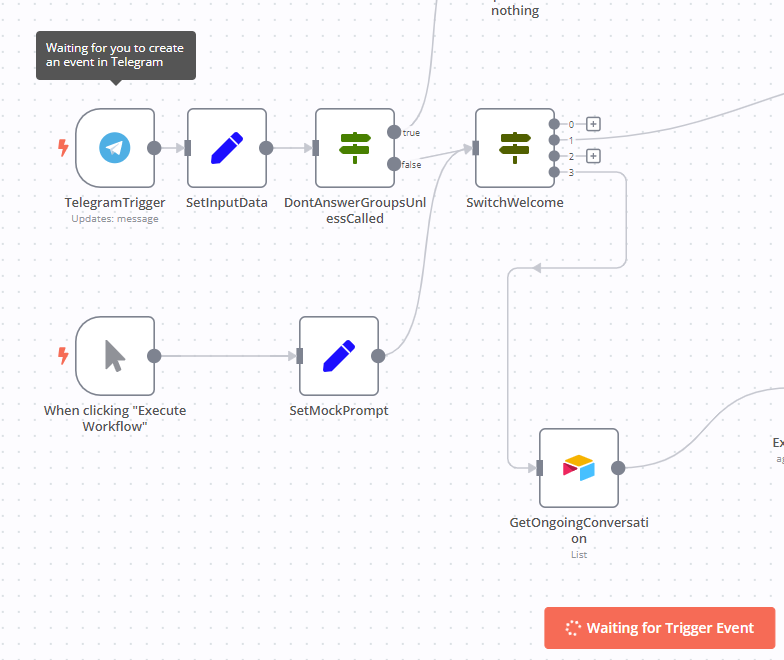
Tip 2: Set node is your best friend Raw JSON from APIs looks like garbage. Use Set node to create clean variables: `email`, `clientName`, `amount`. Before: `{{$json["data"]["user"]["email_address"]}}` After: `{{$json["email"]}}` Your future self will thank you.
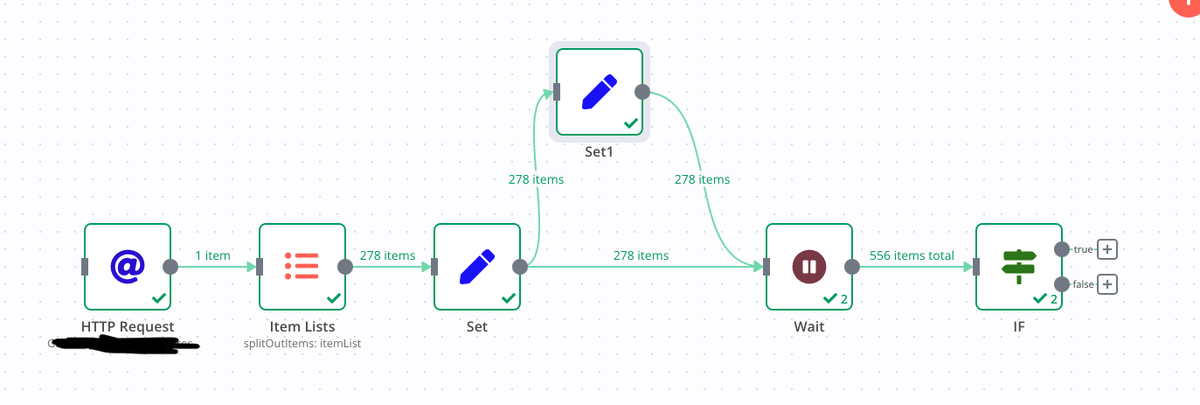
Tip 3: IF node saves workflows Stop writing complex code for simple checks. Use IF node for: • `statusCode == 200` • `email != ""` • `amount > 100` Clean. Readable. No crashes when empty fields sneak through.

Tip 4: Merge node = data superpowers You pull user data from one API, subscription status from another. How do you combine them? Merge node → "Match by ID" Path 1: User details Path 2: Subscription data Result: Enriched customer profiles
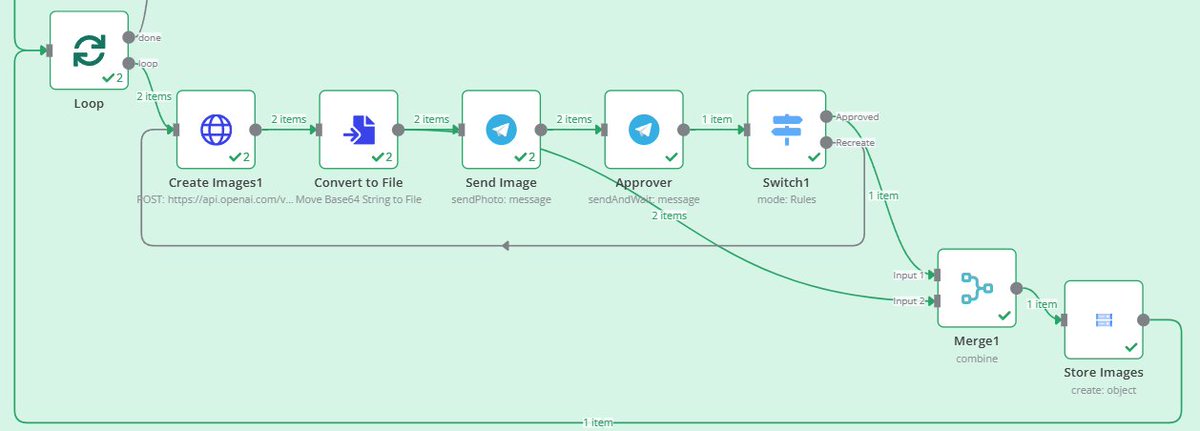
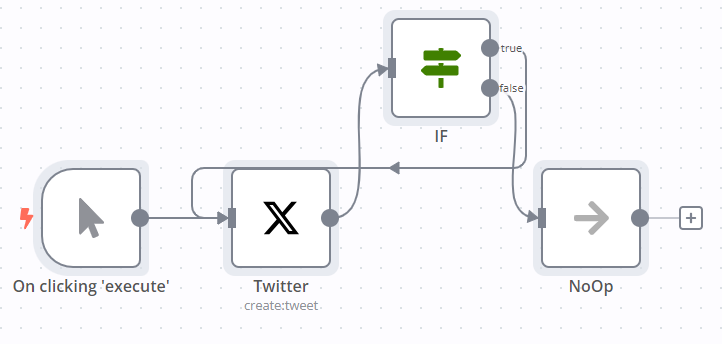
Tip 5: Handle errors like a pro APIs fail. Servers crash. Workflows break. Add NoOp (Do Nothing) after risky nodes to keep flows running. Or connect Error Trigger → Slack node so you get notified when things explode. Don't let one broken API kill your entire automation.
Tip 6: Function node isn't scary You don't need to be a developer. Need today's date? Drop this in Function node: ```javascript return [{ date: new Date().toISOString().split("T")[0] }]; ``` Think of it as a calculator when other nodes don't have the button you need.
Tip 7: Wait node prevents rate limit hell APIs hate rapid-fire requests. Processing 1000 records? Add Wait node for 1-2 seconds inside your loop. Saves you from "Too Many Requests" errors that kill workflows. Your APIs will love you for this.
Tip 8: Split In Batches for big data Got 5,000 rows from Airtable? Don't send them all at once. Use Split In Batches → process 50-100 at a time. Keeps workflows fast and prevents crashes from data overload.
Tip 9: HTTP Request = universal remote Master this node early. Every tool has an API. This node connects to all of them. Pro tip: Copy cURL from API docs → paste in Postman → export to n8n. Boom. You just connected to any service on the internet.
Tip 10: Always finish with something visible After all your logic, send output somewhere you can see: • Gmail (email yourself results) • Google Sheets (store data) • Slack (notify team) Gives you a "win" every time and makes debugging 10x easier. The real secret? Think
I hope you've found this thread helpful. Follow me @aigleeson for more. Like/Repost the quote below if you can:
@aigleeson This is the n8n guide I wish existed when I started. The Manual Trigger tip alone would've saved me hours.
@aigleeson more guides like this are needed right now
@aigleeson Love how this thread simplifies complex tooling. No fluff, just practical tips from experience.
@aigleeson This is the way