
Your next professional headshot is a prompt away. Generate polished, business-ready headshots and creative portraits with Nano Banana—no expensive equipment or complex editing software needed. Here are a few prompting tips to consider 🧵
2/ Lighting is key. Ask Nano Banana to add “soft but dimensional studio lighting that sculpts the features and creates a subtle catchlight in the eyes.”


3/ Know your angles. Have Nano Banana frame your photo so it’s shot from the chest up, with enough space above your head for cropping. Then try telling Nano Banana to have you face the camera with an expression that is confident and approachable.
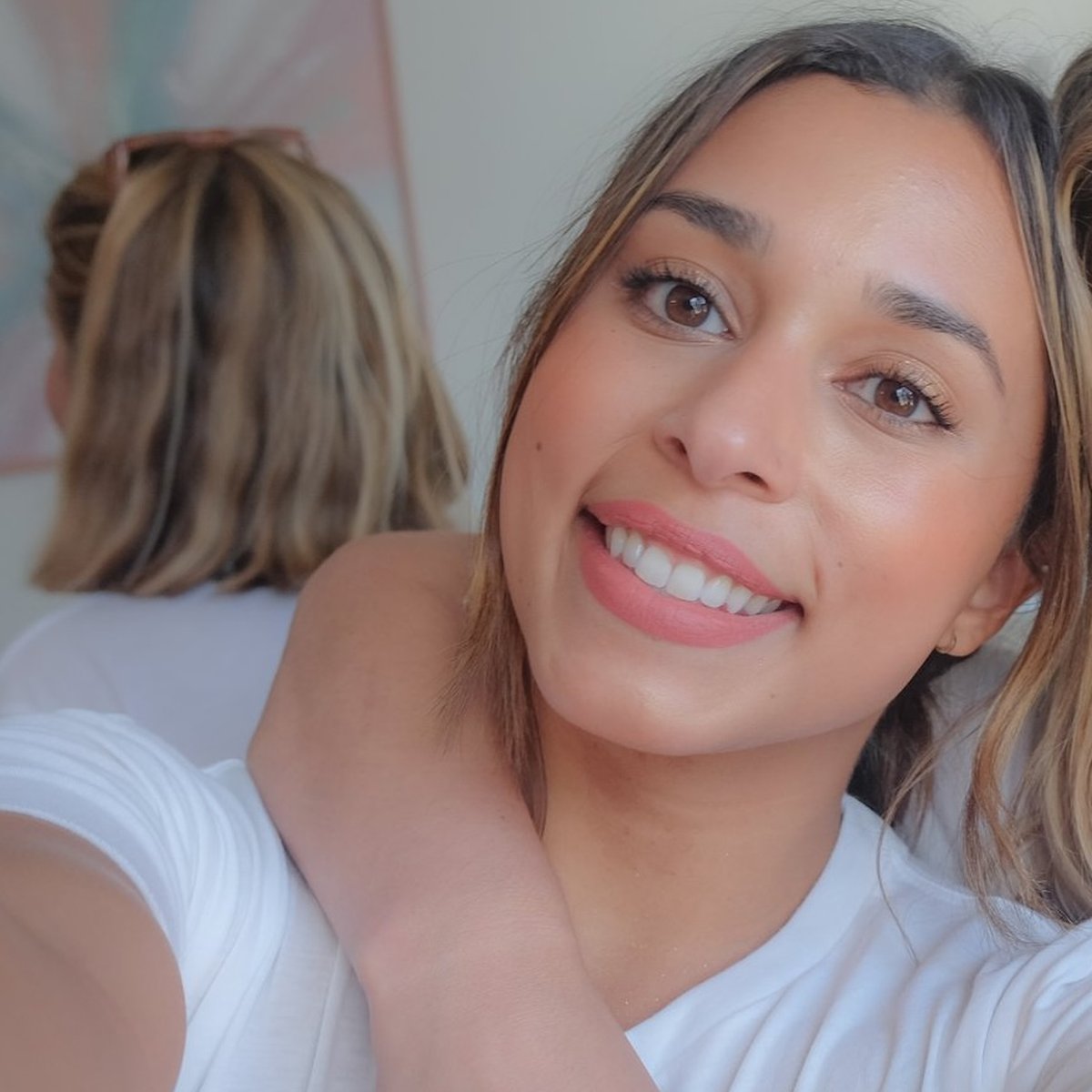

4/ Dress for the job you want. From your outfit to your hair, give yourself the look that’s just right for the role you want. For example: “Put the subject in a contemporary blazer with her hair in a relaxed yet professional style, with crisp focus on a few individual strands of
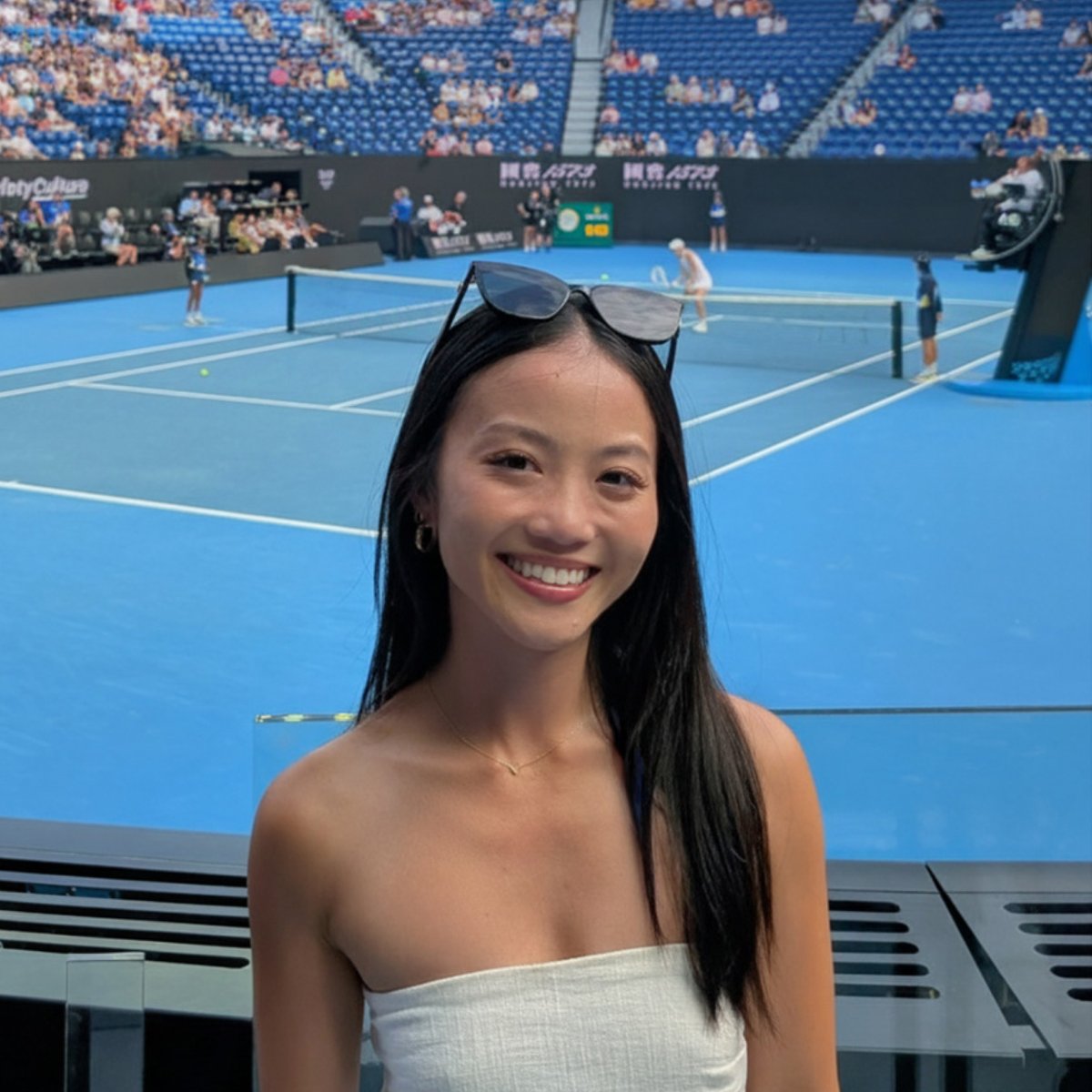
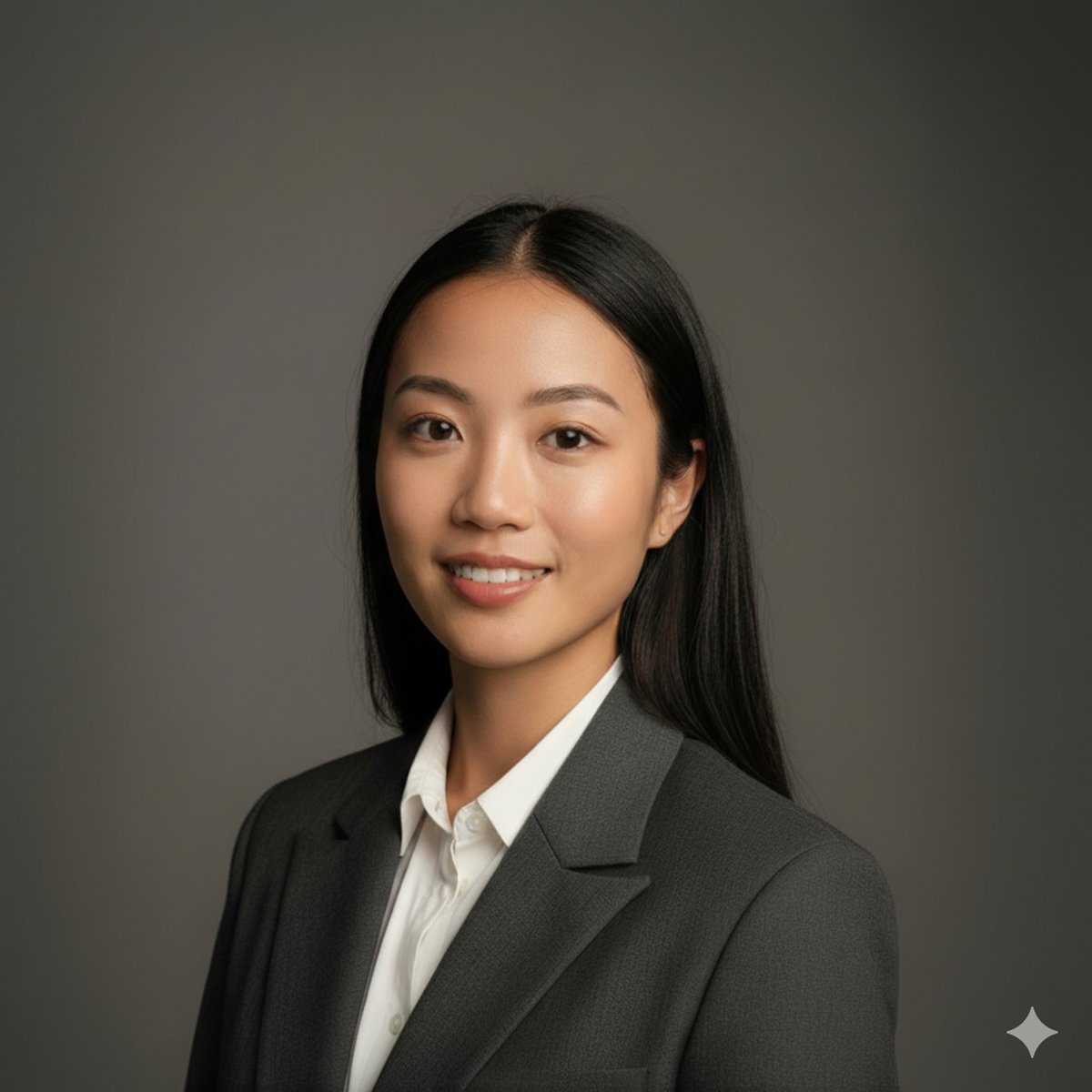
5/ Keep the focus on your face. Avoid cluttered backgrounds and distractions by having Nano Banana opt for a neutral, solid-colored studio backdrop.


6/ Put it all together: A professional, high-resolution, profile photo, maintaining the exact facial structure, identity, and key features of the person in the input image. The subject is framed from the chest up, with ample headroom and negative space above their head, ensuring
@GeminiApp The prompt it’s not working 😬
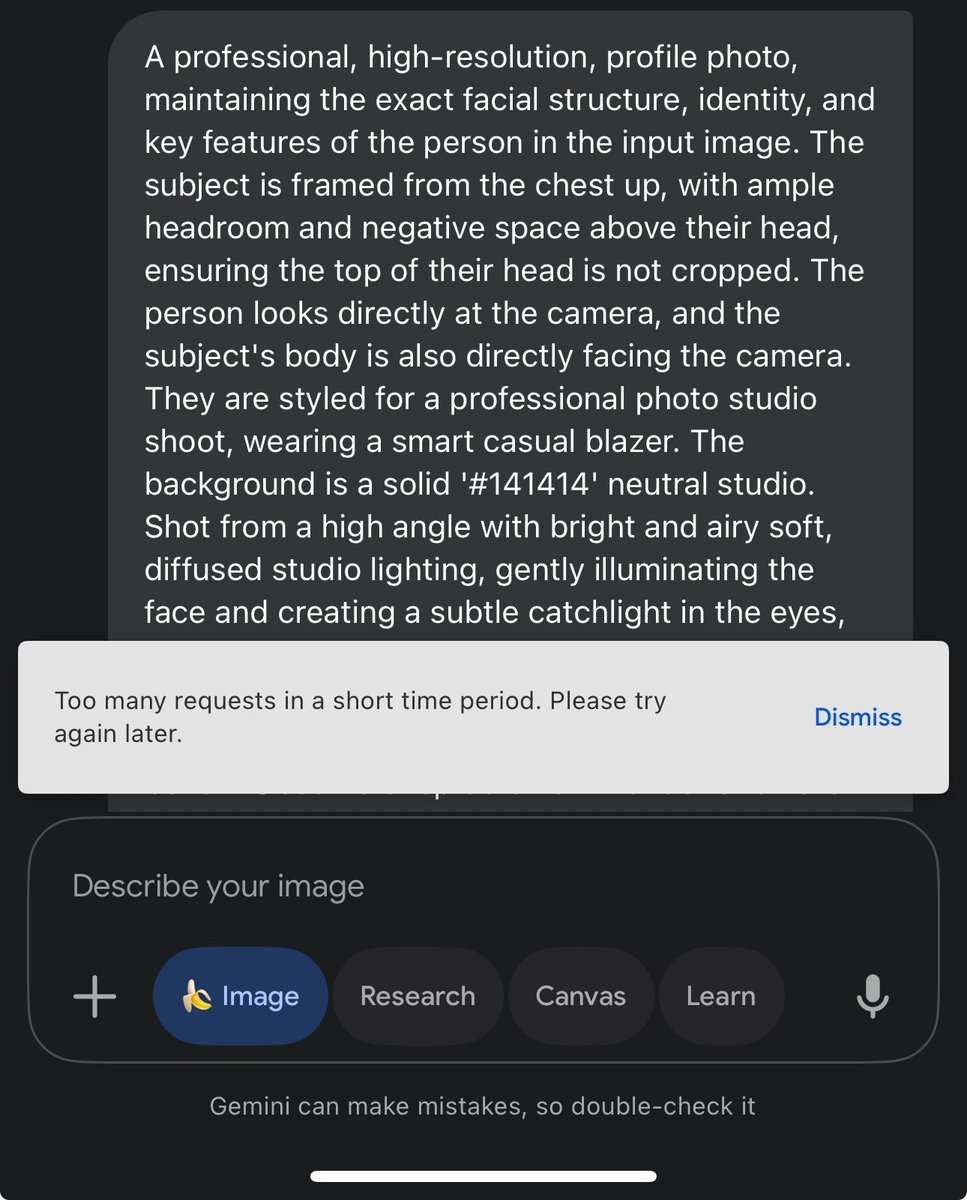
@camilobayarri @camilobayarri Hi there. That's not the experience we want you to have. Would you mind sending us detailed feedback through your device so we can look into this further? On the Gemini mobile app, tap the top right profile picture or initial > Feedback > Send feedback. Please add
@GeminiApp Why is AI water mark present?
@airdrawpu Hi there. All images generated by Gemini Apps will have a visible watermark and an embedded, imperceptible, digital watermark using SynthID technology. For more information on image generation and editing, please visit: https://goo.gle/4fcwpNU. Hope it helps.
@GeminiApp Puuurfect, working exactly as intended.

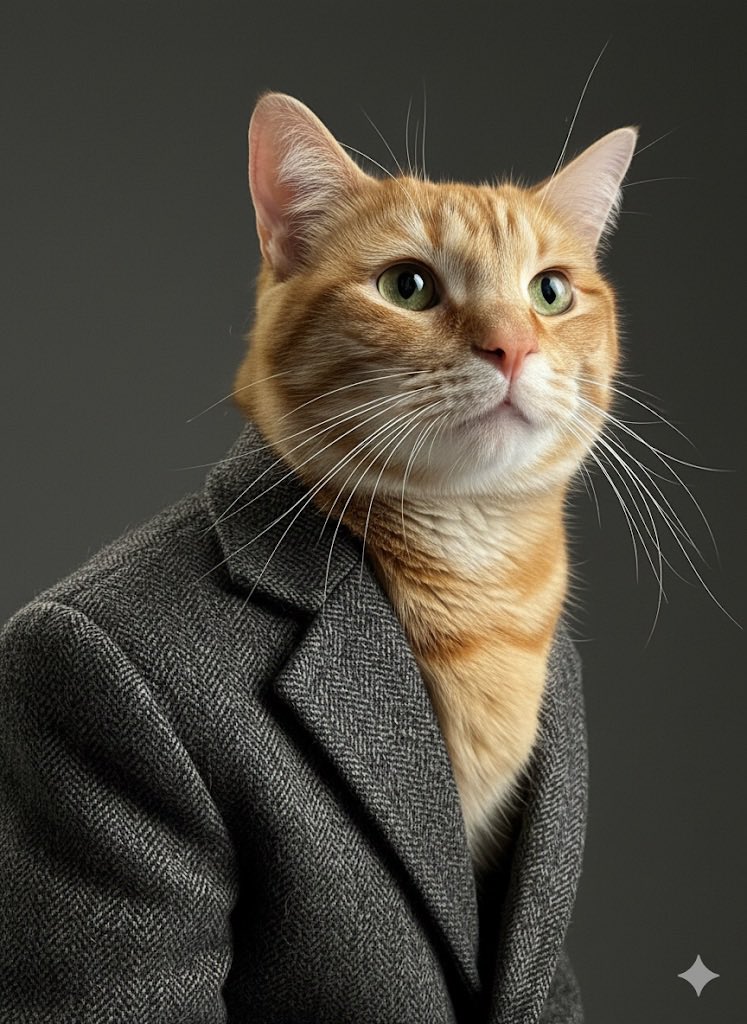
@GeminiApp Mwahaha. But I got one thing I can't figure out yet: sometimes the generated image loses quality and has artifacts, and there doesn't seem to be a prompt to prevent it.

@GeminiApp Here's the result:


@GeminiApp We’ll be in professional attire soon.
@GeminiApp before and after LOL


@GeminiApp She looks a lot like Mira Murati 😉

@GeminiApp it's so freaking good

@GeminiApp @alexcovo_eth Great, here’s another computer program pretending it can take photographs.
@GeminiApp When gemini 3 pro Anthropic has the best coding models, OpenAI for general use, the only case where 2.5 pro ahead is OCR. Not intrested in photo/video slopogeneration.
@GeminiApp “This message likely has very different meanings than was intended in good faith.” Its ok ❤️ Still it is super funny Thank you 😂
@GeminiApp I think that is cheating😭🤣😂
@GeminiApp "Your next professional headshot is a prompt away." Me, not a native speaker of English: ...damn, that's a huge jump in skills for an LLM...
@GeminiApp This is wild… we’re one prompt away from never hating our ID photos again.



@GeminiApp @grok so what’s a full prompt for a nice headshot as recommended by google?
@GeminiApp try more at https://www.prompts.mom/?genre...
@GeminiApp Any way to remove the watermark?
@GeminiApp It's amazing! We are gonna lose job!!
@GeminiApp Lift up the limits! with 3 edits per day is too less!
@GeminiApp Simply amazing, by the way, gemini toolbox is an absolute must have if you wan to improve your gemini experience. https://chromewebstore.google....
@GeminiApp It turned out very professional. Awesome!
@GeminiApp That’s great definitely will try them out.
@GeminiApp You can deliver the vocal mode improvements on the app and not only on Google to the studio?! Knowing that we pay precisely to have access to the features and that in the end free users are better served 🤨😓
@GeminiApp @grok can you beat @GeminiApp in this game?