
Guide on how to use BUFF as a foreigner in 2025! Requirements: passport & a bank card (🧵⬇️) PC RECOMMENDED!!

Step 1. Download Alipay
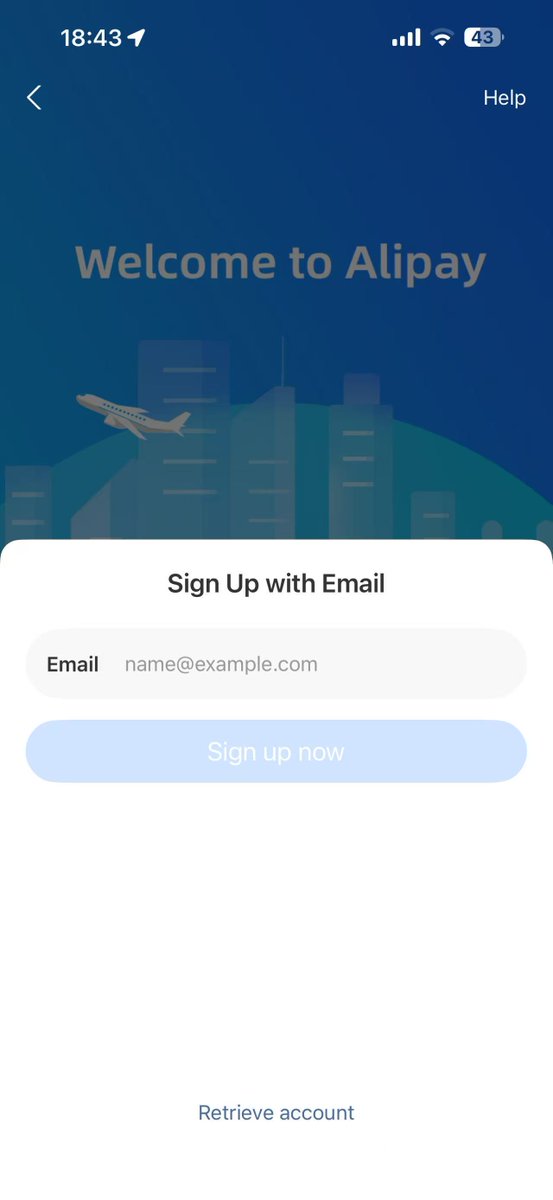
Step 2. Sign up for an account using email or your phone number
Step 3. Go to "Me" in the bottom right, you should see the "complete real name authentication", click on it and continue to verify.

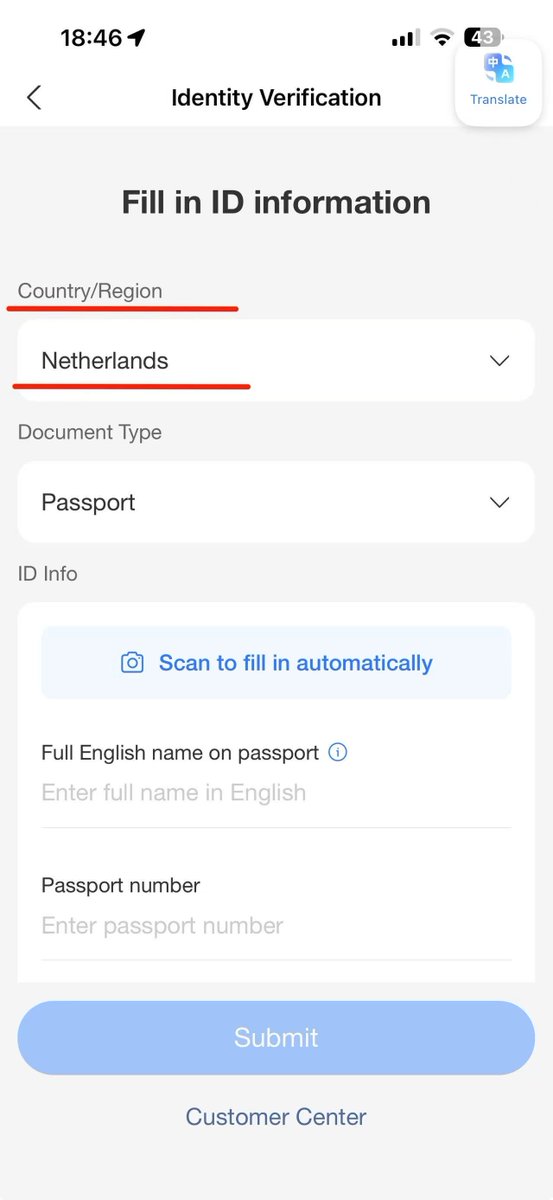
Step 4. Select your country and select passport, then fill in your information. Make sure all the information matches and is 100% correct.
Step 5. After verifying, go back to the "Me" or "Account" section and select "Bank Cards"

Step 6. Add your bank card numbers. This doesn't have to be a creditcard it can also be a debit card. Like the card you get from Revolut.

Step 7. After you've succesfully connected your bank card to Alipay, continue to the buff website (account needed, you can use steam). Find an item you want and check if it has the Alipay symbol as shown in the picture, then click "Buy" to purchase.

Step 8. After clicking the "Buy" button you should see this. (You might need to "expand all payment methods" theres a button for it) Do NOT select Alipay as this won't work, you HAVE to select "Alipay - Huabei", continue by clicking "Pay".

Step 9. A window will automatically open with a QR code, you must open your Alipay mobile app and select the "Scan" option in the top left to scan this QR code.
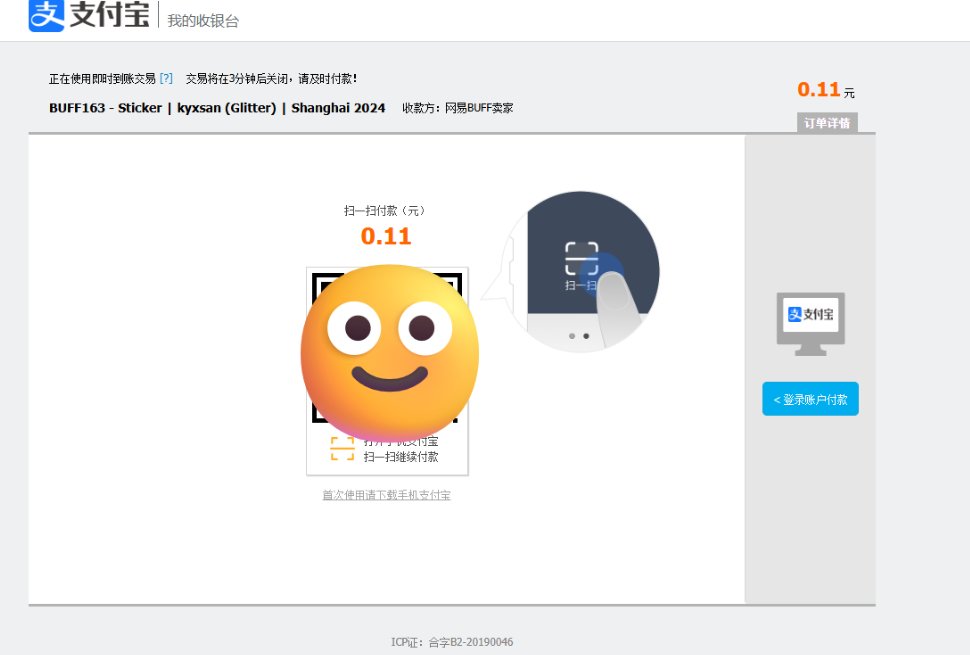

Step 10. After scanning the QR code with the Alipay mobile app, you should see this, make sure your payment method is selected like in the picture and click "Instant Pay".
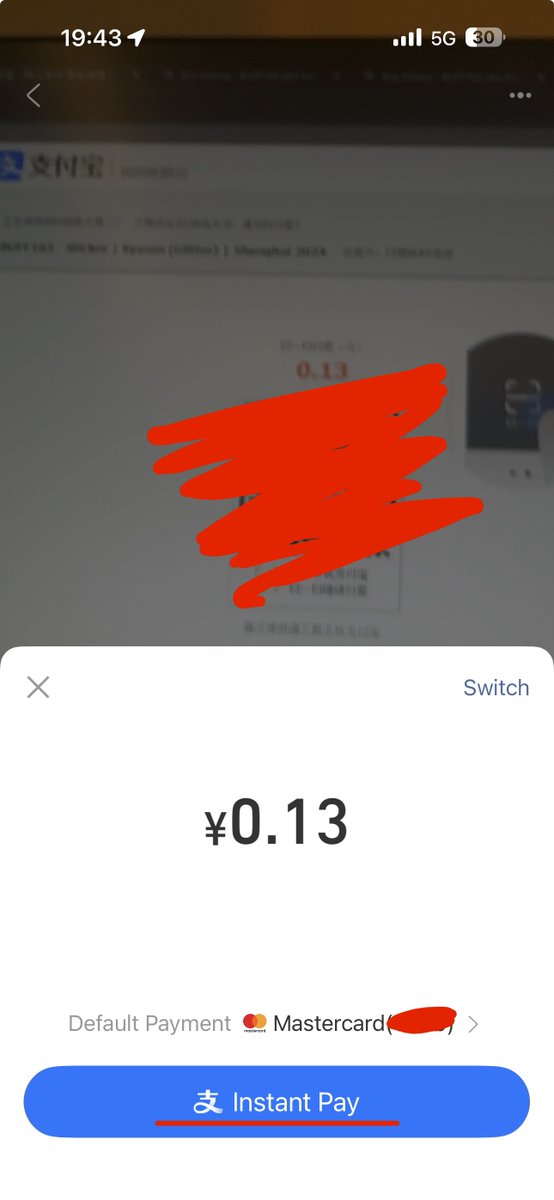
Thats it, now you go back to buff, it will either ask you to send the trade or you have to wait for the seller to send the trade. As far as I know there's no limit to this, it might be 200k RMB but I'm not sure.
If you don't have a bank card, you can sign up for Revolut, which allows you to create a bank card and then deposit money from another bank. (I've confirmed that it works with the Revolut card) If you want, you can sign up using my referral link: https://revolut.com/referral/?...
@nealCSGO Just a precaution, Had a seller cancel on me and you need to verify on BUFF to receive the funds back, doesn't seem to be an option to return to balance instead but I haven't contacted support yet.
@reduhVelvette You’ll receive it back to your card if you used card
@nealCSGO Thanks a lot for the guide. So I have to transfer money first from my bank account into Alipay or only connect Alipay to my bank account and I pay directly from my bank account? And If I have to transfer first to Alipay is there any fee? (I have a german bank account)
@Meow34396423 just connect your bank card like shown in the guide and then follow the steps next
@nealCSGO I did this with a Wise account and after 3 purchases Alipay shut the card down believing it was stolen. Just a fair warning to anyone that tries this
@r3werb You just have to re-verify the card if you buy the physical one.
@nealCSGO Can't register tho. "This mobile phone is not supported at the moment, please change to another number". Tried two different countries listed btw
@filristau email
@nealCSGO can anyone confirm if this shit works? Also, how is it with trade-reverts?
@grejtycs I’ve tried myself with a foreign passport, foreign email, foreign buff account and a revolut card. Worked without any issues.
@nealCSGO didn't buff remove the option to sell without a chinese id too? Thanks a bunch for the guide, I'm definitely going to try it out
@theRealNahassa no idea, if you find out feel free to share
@nealCSGO Why would you tell everyone? Now this will probably get removed as an option. 😭
@martinkralev its not a bug bro its made like this what are you on