
This is how you get 100% accuracy in Nano Banana Pro image generation. Use JSON prompts. Here's how to you can write JSON prompts to get shockingly accurate outputs from Nano Banana Pro easily:
Tip 1: Always Define Your Canvas First The biggest mistake? Not specifying resolution and aspect ratio. Nano Banana Pro can do 1K, 2K, or 4K. Tell it exactly what you want or you'll get random sizing. Template Prompt: { "scene": "[describe what you want]", "resolution":
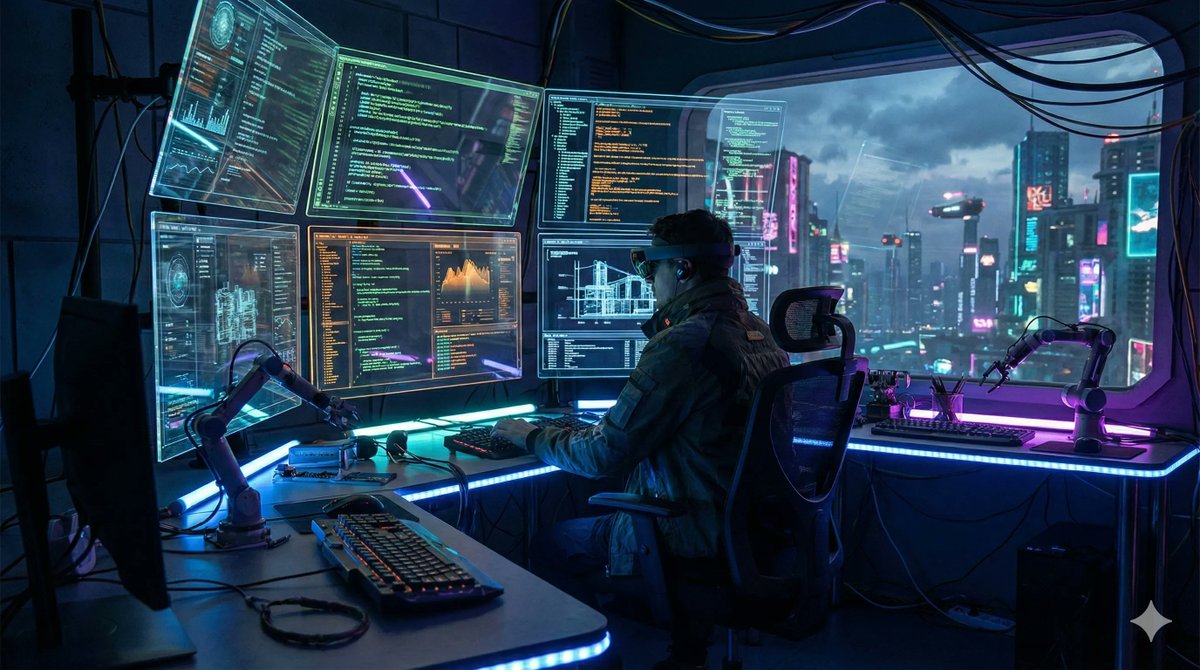
Tip 2: Use Text Rendering Parameters Nano Banana Pro's secret weapon? Perfect text rendering in images. But only if you tell it exactly what text, where, and in what style. Template Prompt: { "scene": "[your image description]", "text_elements": [ { "text":

Tip 3: Master the Reference Image System You can upload up to 14 reference images. Most people waste this. Use JSON to tell the model exactly what to take from each reference. Template Prompt: { "scene": "[what to create]", "reference_images": [ { "image_id": 1,

Tip 4: Control Camera and Lighting Like a Pro Nano Banana Pro has professional camera controls. Use them. Specify angle, focal length, depth of field, and lighting conditions. Template Prompt: { "scene": "[subject description]", "camera": { "angle": "[perspective]",

Tip 5: Use Thinking Mode for Complex Compositions For infographics, diagrams, or multi-element compositions, enable thinking mode. The model will reason through the layout before generating. Template Prompt: { "mode": "thinking", "composition": "[complex scene

Tip 6: Add Character Consistency Parameters Nano Banana Pro can maintain up to 5 people across multiple images. Lock in character details with specific JSON parameters. Template Prompt: { "scene": "[scene description]", "characters": [ { "character_id": 1,




Tip 7: Leverage Google Search Grounding This is insane: Nano Banana Pro can use Google Search for real-time data. Perfect for maps, charts, current events. Just enable grounding. Template Prompt: { "scene": "[scene requiring factual data]", "grounding": { "enabled":
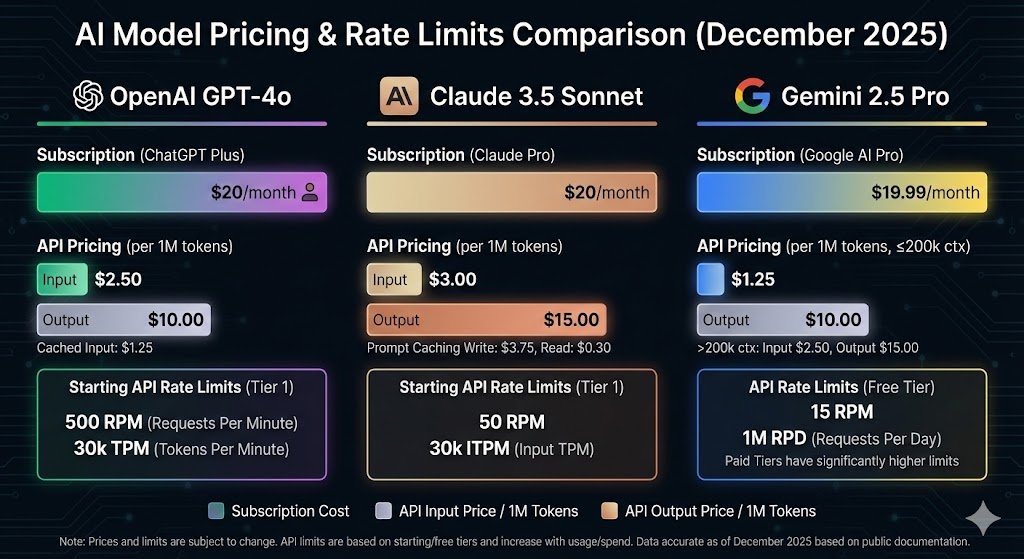
Tip 8: Define Style Transfer Precisely Want to match your brand perfectly? Use style transfer parameters. Upload a reference and tell it exactly what aesthetic elements to copy. Template Prompt: { "scene": "[new content to create]", "style_transfer": {

The Ultimate Master Prompt (Copy & Use) Here's the complete Nano Banana Pro JSON template that combines all 9 tips. Copy this, customize it, and generate perfect images every time: THE MASTER PROMPT TEMPLATE: { "generation_mode": "thinking|standard",

AI is not going to take your job. Instead, it's going to make you rich and help you build businesses online. You need to know the best tools, and that's all. We can help you find the best business AI tools. Check our tools directory today:
I’ll check it out thanks